Dev Update: The Extension Documentation Is Written
G’day,
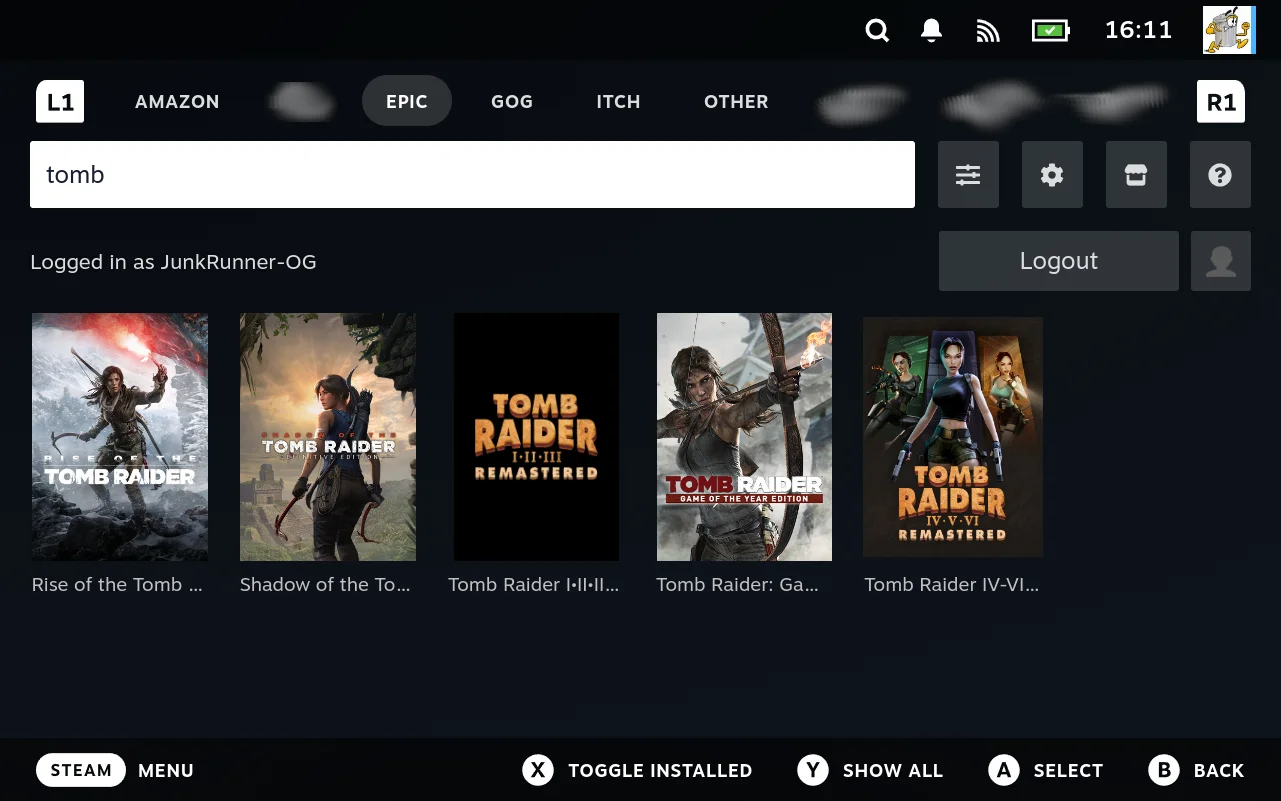
Short version: every tab in Junk Store is an extension. Epic, GOG, Amazon, itch, the Generator, the download queue, all of them are built on the same system, and the documentation for it is now written and free to read.
If you’re curious rather than planning to build something, read the introduction and stop when it starts talking about classes and macros. Those first couple of pages explain why every tab you use works the same way, and why new stores and emulators can show up without waiting for me.
The documentation debt
There are very few things in life that fill me with more dread than having to write documentation. It’s one of those tasks I’ve traditionally tried to pawn off on someone else, and the result is always the same. A teeth-pulling contest until it’s finally done.
I’ve carried a documentation debt since 0.4. I did document the interfaces for 0.3, and they went stale almost immediately. That’s the curse of the whole exercise. Writing it down is what makes it obsolete, because then you go and change how everything works. Documenting it puts every wart in plain sight, and it took real willpower not to go and fix them all instead of finishing the writing.
I’ve run out of excuses. The extension documentation is written.
What it covers
An extension is a directory, a store.sh that announces itself, and a static.json that puts it on screen. That’s the contract. Everything past that is scripts, which means you’re not stuck with my language choices. Trust me, you’d revolt if I imposed my esoteric tastes on you.
It’s split into three parts, depending on what you’re after:
- Guides walk you through a whole task, start to finish. Read these in order the first time.
- Concepts explain how a mechanism actually works, for when you want to understand rather than look something up.
- Reference is what you keep open while you work. Every hook, every argument, every field.
There’s also a glossary if you hit a word you don’t know, and a troubleshooting page for when your extension isn’t behaving.
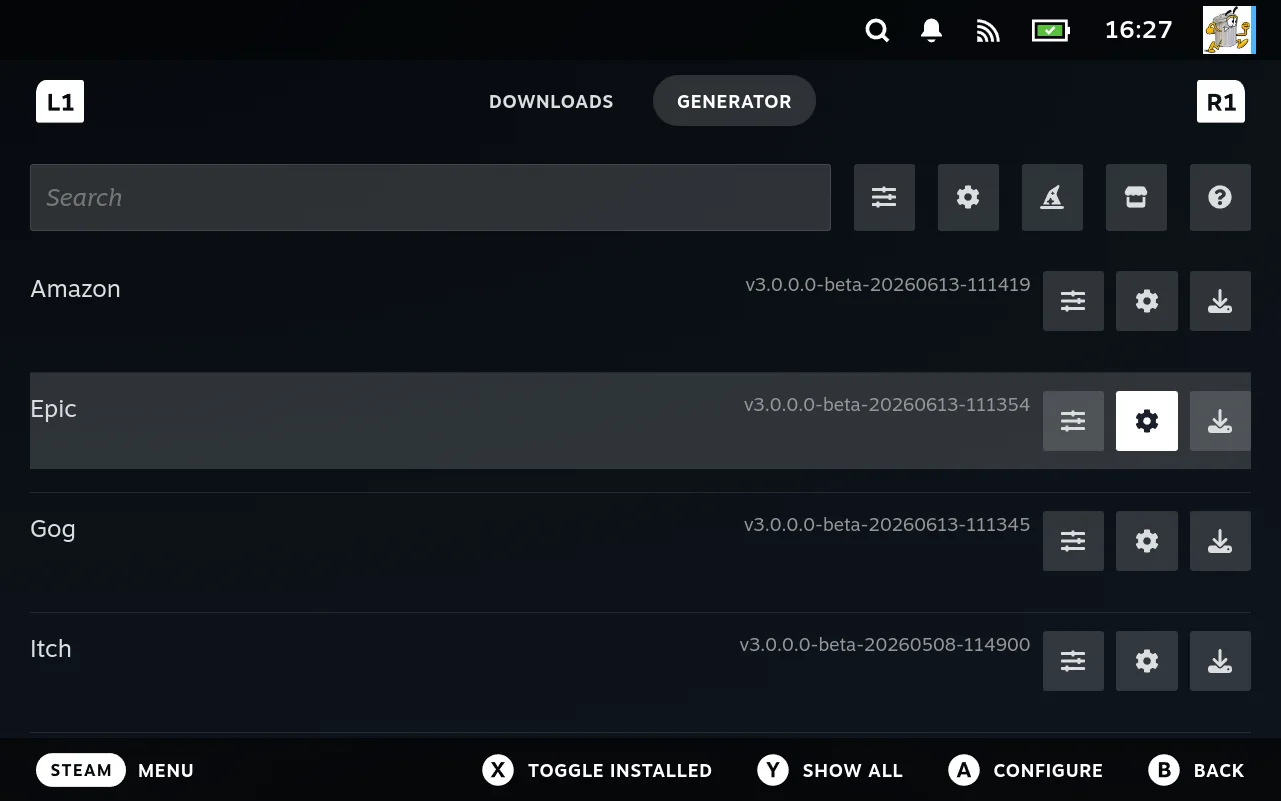
I built this as the thing I wanted someone else to build so I could use it. That’s why there are hooks and intercepts everywhere, including places I have no use for yet, because someone eventually will. If you want to sync saves to Google Drive, there’s a place to script it. If you want to inject or strip data before Junk Store ever sees it, there’s a place for that too. Anybody should be able to add data or behaviour at any point in the process.
It composes, which is the whole point of building it this way. I haven’t thought of everything this enables. Features emerge from combinations I never designed. So do bugs, in fairness. I’ve tried to give examples of where this might be useful, but the interesting ones will be the ones I didn’t think of.
You don’t need to be a developer
There are several levels to work at, so this should be in reach for most people with a bit of effort. Some parts ask more than others, but almost anyone can manage a line or two of shell, even if you have to ask an LLM. The wizard will build you a working extension from a handful of answers with no scripting at all, so the first level costs you nothing but curiosity.
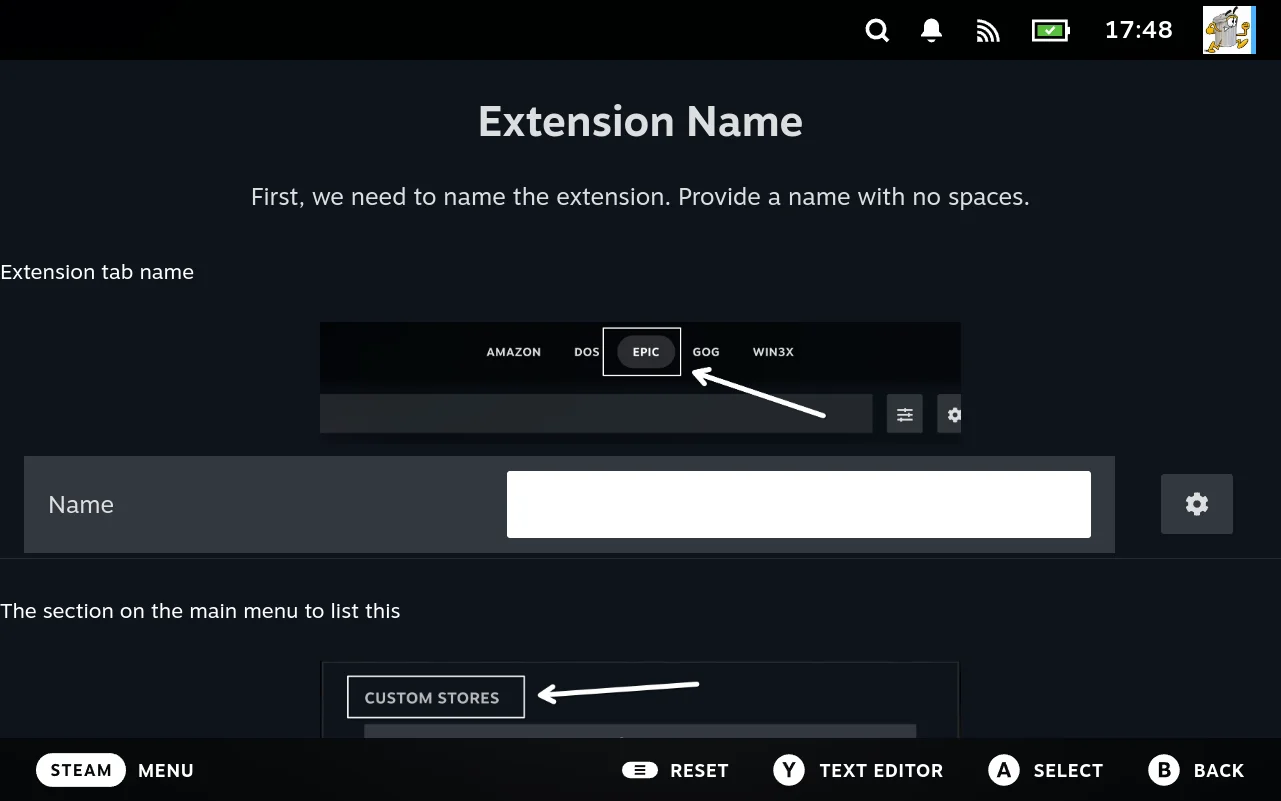
If your games are ROMs in a folder, or on a machine somewhere on your network, Emulators and ROM discovery is the one to read. If you’d rather write the scripts yourself, Authoring by hand starts from an empty directory.
It’s a work in progress
It should be accurate, but I make mistakes, so there’s a git repo where you can file issues and PRs. Better phrasing and clearer explanations are genuinely welcome where I’ve failed to communicate.
For my own amusement I generated a PDF of the lot. It came in over 150 pages, so it’s safe to say there’s a fair amount there. The script that builds it is in the same repo if you’d rather read it all in one go.
If you decide to tackle an extension, come and join the Discord. I’d love to see what people build with this, and I’m happy to answer questions or extend the system where it needs it.
Code on!
Eben