Junk Store Pro Quick Access Shortcuts: File Browser, Diagnostics & More on Steam Deck
This week’s Pro tip: Junk Store Pro has built-in power tools you can access instantly from any screen using button shortcuts.
Quick Access Shortcuts
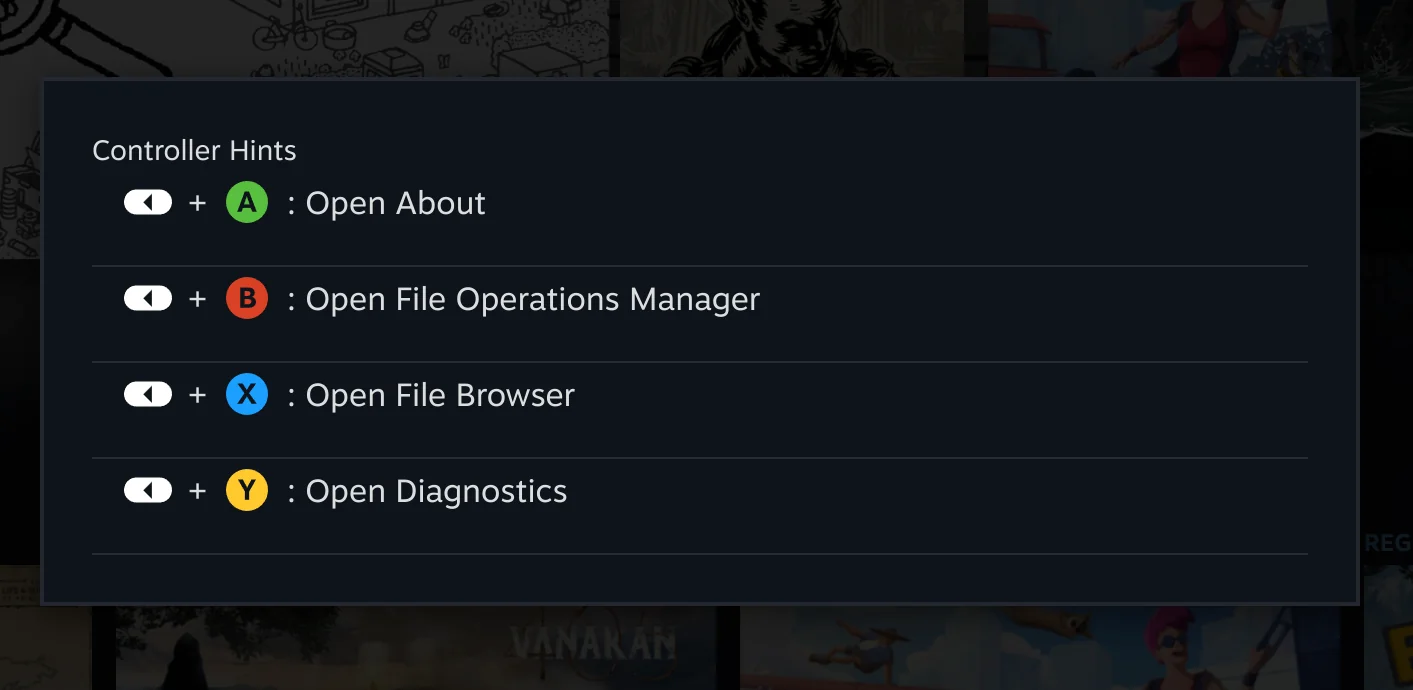
Press and hold SELECT on any screen to see all available shortcuts:
- SELECT + A - Settings
- SELECT + B - File Operations
- SELECT + X - File Browser
- SELECT + Y - Diagnostics
The shortcut overlay appears whenever you hold SELECT, so there is nothing to memorise.
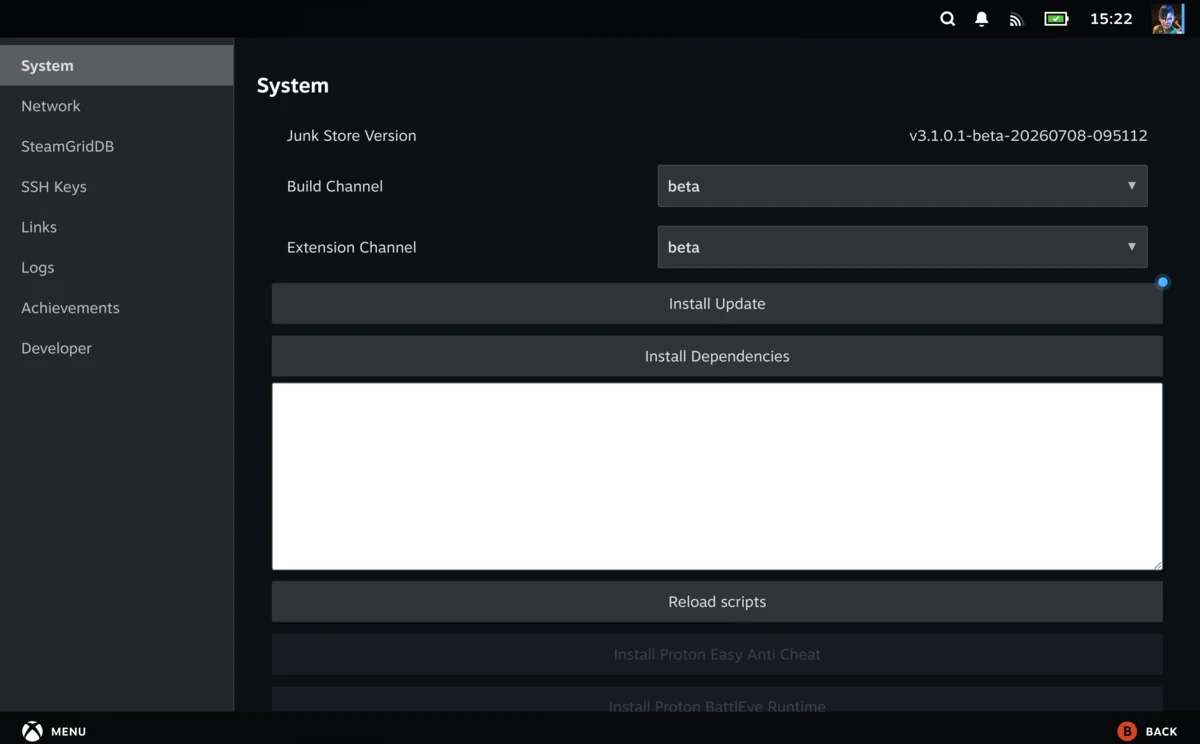
SELECT + A: Settings
Check your Junk Store version and system details at a glance. It’s also where the developer mode toggle lives, under System.
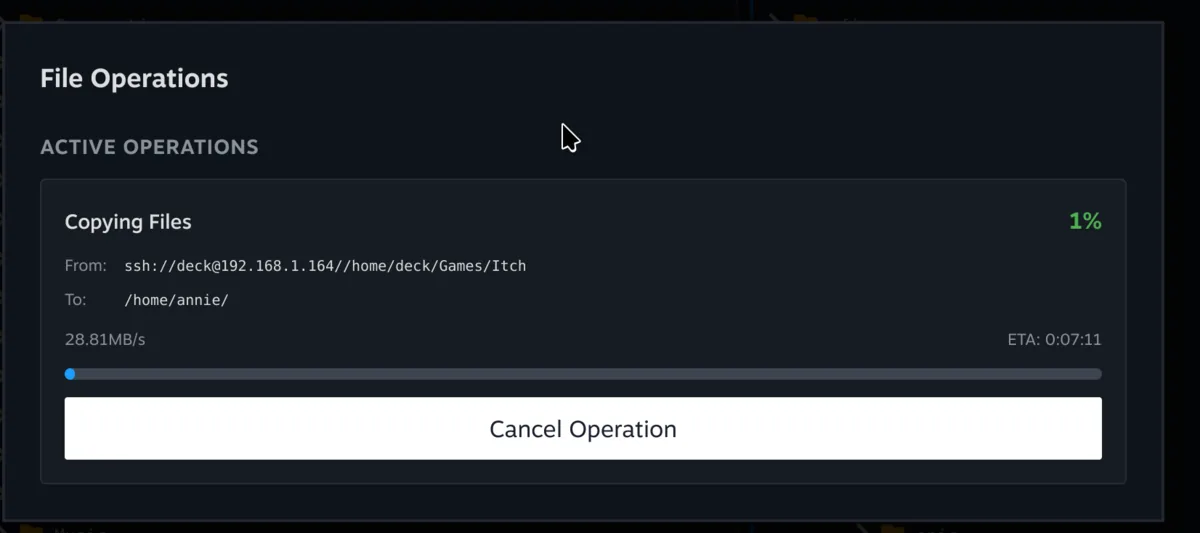
SELECT + B: File Operations
Keep an eye on long-running file jobs like copying and deleting, with live progress so you can carry on gaming while they finish in the background.
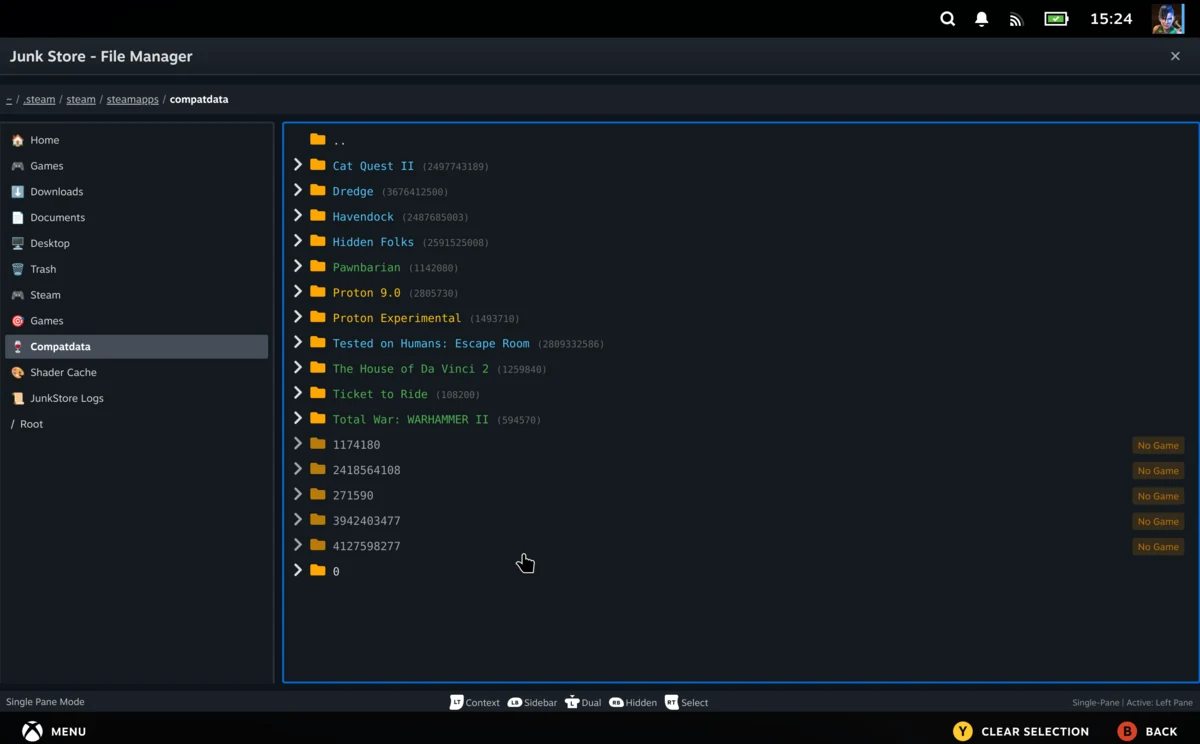
SELECT + X: File Browser
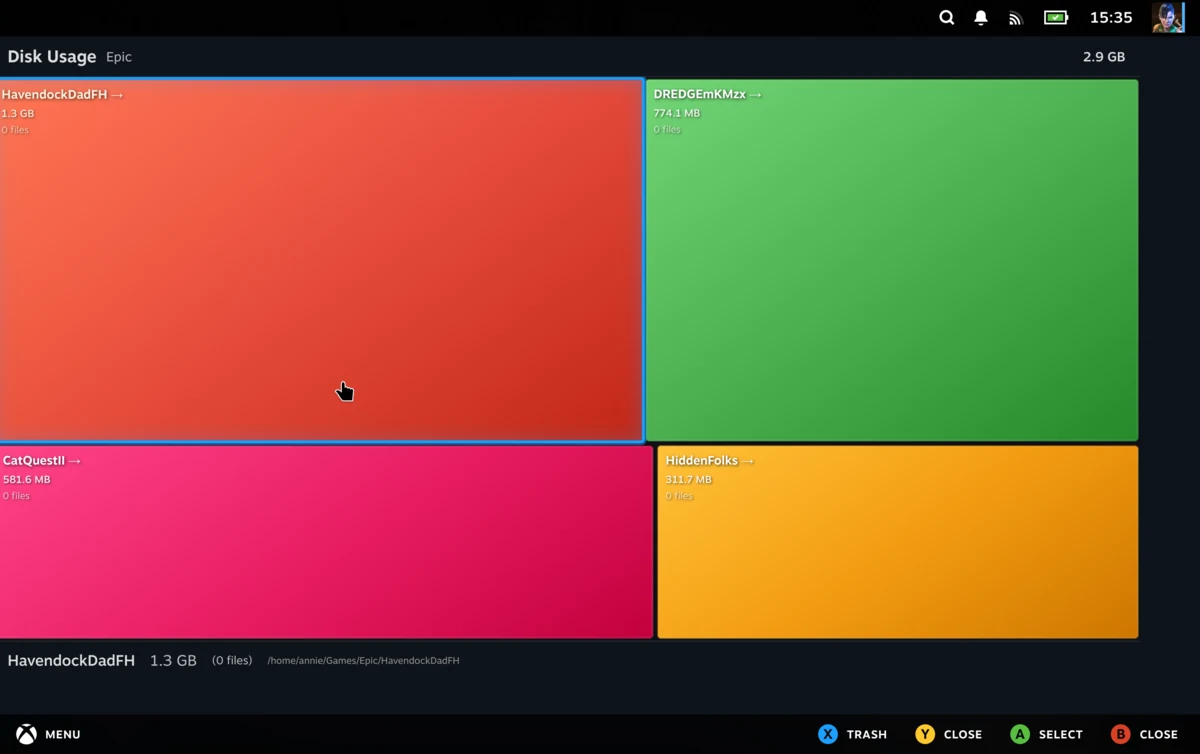
Browse and manage your game folders straight from Game Mode, no Desktop Mode needed. It also includes the built-in Disk Analyser, so you can see exactly what is eating your storage and clear it out.
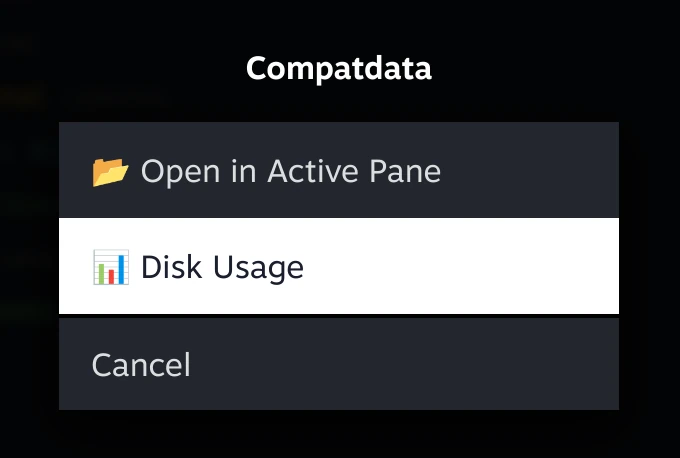
To dig into storage, open a folder’s context menu (right-click, or LT on the Deck) and choose Disk Usage.
From there you get a colour-coded map of everything in that folder, sized by how much space it is using, so the storage hogs jump straight out and you can clear them without guesswork.
If your Deck is full, the File Browser is also how you clear out the prefixes and shader cache left behind by games you uninstalled. We walk through that in How to Clear Out Orphaned Non-Steam Game Files.
SELECT + Y: Diagnostics
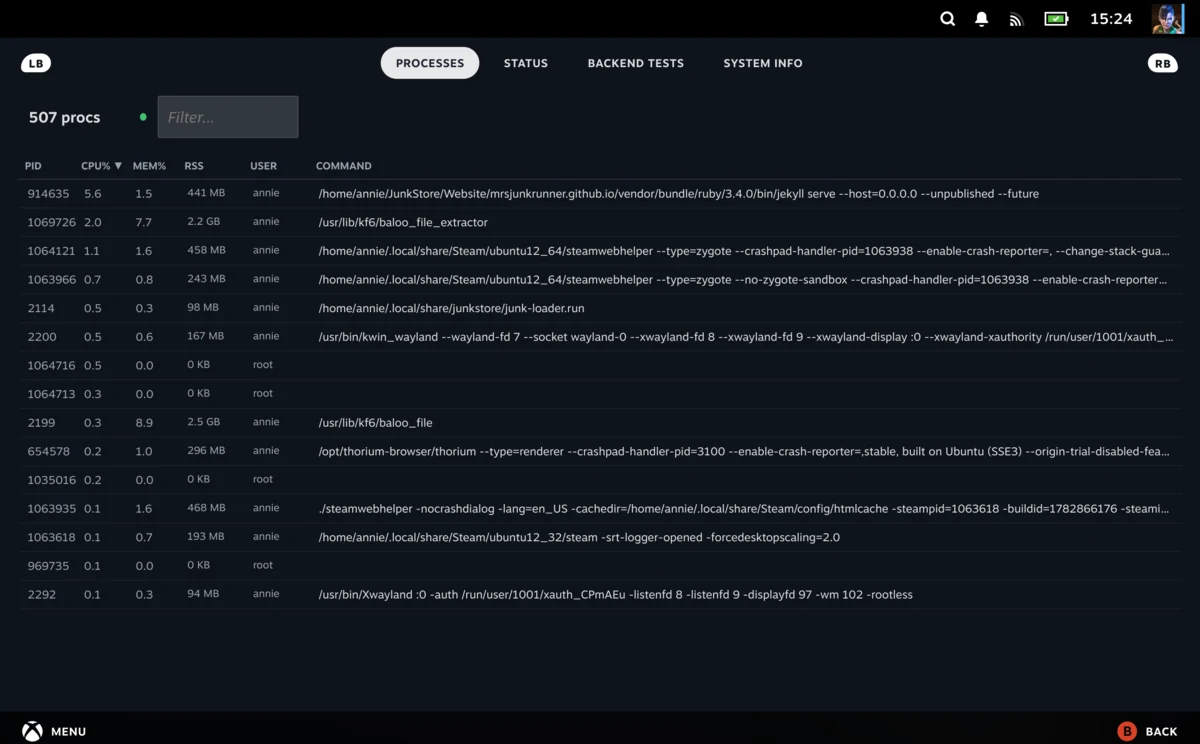
Access system tools and troubleshooting features, with the diagnostics framework flagging Junk Store issues automatically:
- Processes - Process Monitor to see what’s running
- Status - System Status and Steam APIs
- Backend Tests - Run diagnostics
- System Info - View system information
That’s the quick tour, and really just a refresher in case you missed the Junk Store Pro 3.0 release where these tools first landed. Over the next couple of weeks I’ll go through each of these in more depth, and the ones with a fair bit to cover, like the File Browser and Diagnostics, will get their own tutorials.
Have questions about this tip? Join our community on Discord, Reddit or Lemmy!
Cheers,
Annie & Eben | The Junk Store Team