One Year of Junk Store Pro: Going Standalone on Steam Deck
Today marks exactly one year since we launched Junk Store Pro v2.0, version 3.0 was released 4 months ago (give or take). I don’t often stop to reflect on what I’ve done. I’m usually too busy building the next thing and gearing up to slay the next dragon.
Since the release of version 3 I’ve been able to fight fewer fires and build more cool things. So what’s happened in the last year?
Naturally, we released a standalone version of Junk Store that no longer relied on Decky Loader. This was a giant undertaking, because it means we now maintain all the working mechanics the Decky Loader team used to provide. There were many drivers for this shift, but the main one was development speed. Once Junk Loader was operational, more opportunities opened up to us. The most well known was the idea of submitting to the Steam Store. That ended with the kind of dramatic flair only found on the internet, and the consumption of the remaining rum on the boat, but the reality is that Valve did us a huge favour by turning us away. We were able to dream and build far bigger and better than before. Today, Junk Store is well beyond what I envisioned it would be, but the vision is still incomplete.
With version 2 completed we decoupled from the Decky Loader and Store infrastructure. We still had a dependency on the UI controls Valve shipped, and the library Decky provided to discover those controls and make them available. I spent thousands of hours researching how to remove that dependency. I tried many wild and insane ideas until I finally found the secret sauce to make it all work. What that means for stability today is that there’s very little reliance on Valve supplied code for Junk Store to function. While it runs inside Steam, it’s more like sharing the same web browser than integrating with it. It still feels very integrated from a user perspective, but it’s far less tightly coupled than Decky and version 2 were.
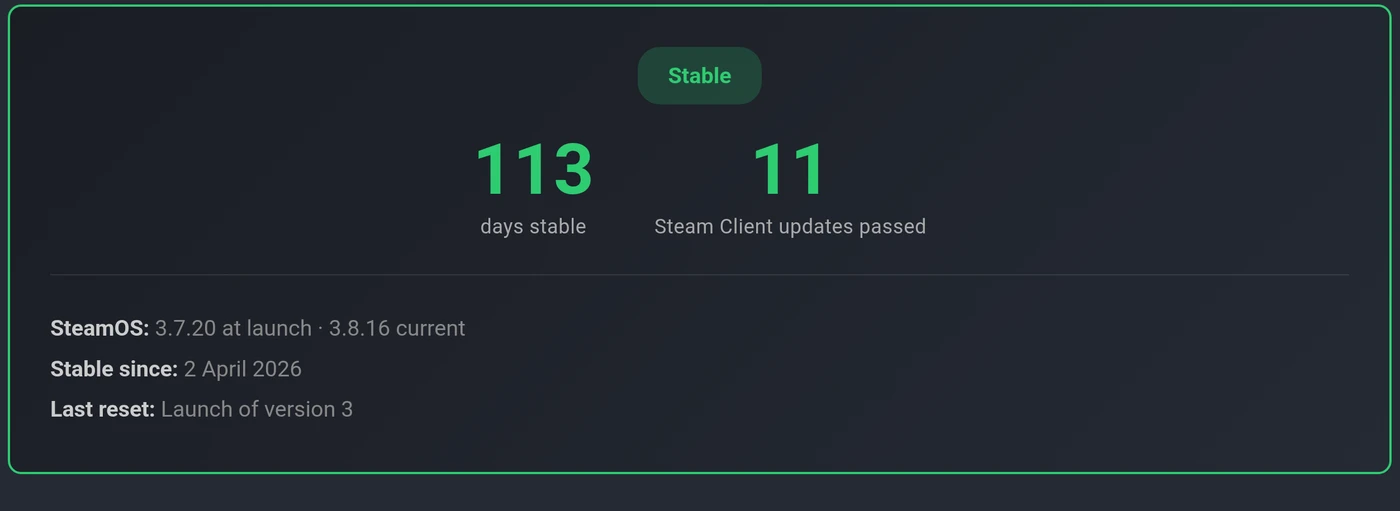
The groundwork for all of this was being laid all the way through version 2’s development. Once I’d solved the decoupling, the build itself came together fast, but we still ran it internally for six months before release. I wanted to be sure that when Valve pushed one of those quiet updates (roughly every 10 days) that takes plugins offline, you’re not the one who finds out the hard way. There’s been a public uptime tracker running since launch day so you don’t just have to take my word for it. The tracker at the time of writing is at 113 days with 11 Steam client updates behind it and no breakages: https://www.junkstore.xyz/status/
With version 2 I shipped enhanced Epic and GOG extensions. I also shipped the Amazon extension. The generator that all of this rests on has been available for a year now too. Since the release of Junk Store Pro I’ve shipped itch as well. Something that’s not widely advertised is that with version 3 I had rebuilt the game store clients from the ground up, this means there’s no dependency on open source tools like legendary, gogdl and nile. These clients are not enabled by default yet, but they will be in the near future. These new clients allowed me to add the profile switching feature so you can use multiple accounts across these stores, it’s still basic but the foundations are there to build on now.
Version 3 went beyond a new UI and navigation stack. It added what is arguably the most feature rich and complete File Manager ever seen on a handheld. This File Manager lets us add features that weren’t possible before. The lack of an “add to Steam” button in Game Mode is quite noticeable to any Steam veteran. The File Manager lets us add anything to Steam from it, and then use all the Junk Store tools against that Steam shortcut for artwork, Proton settings, and more.
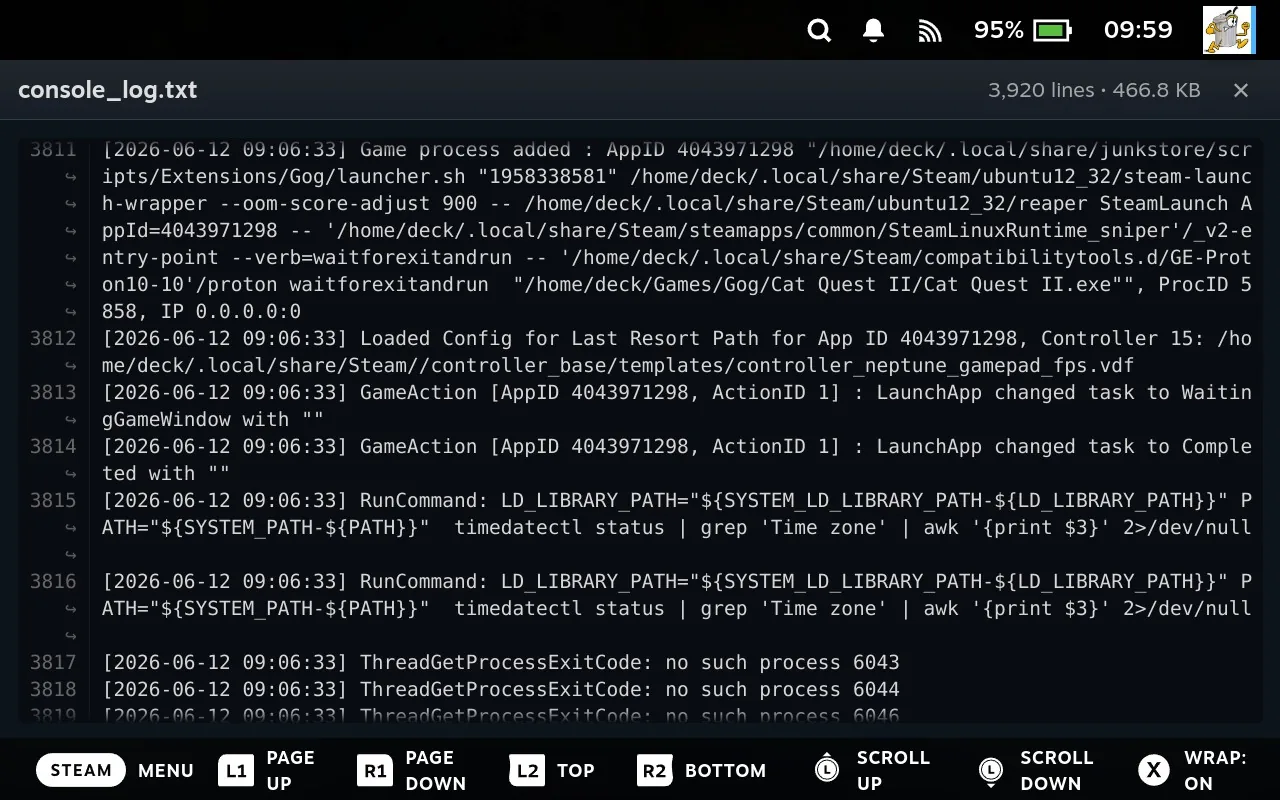
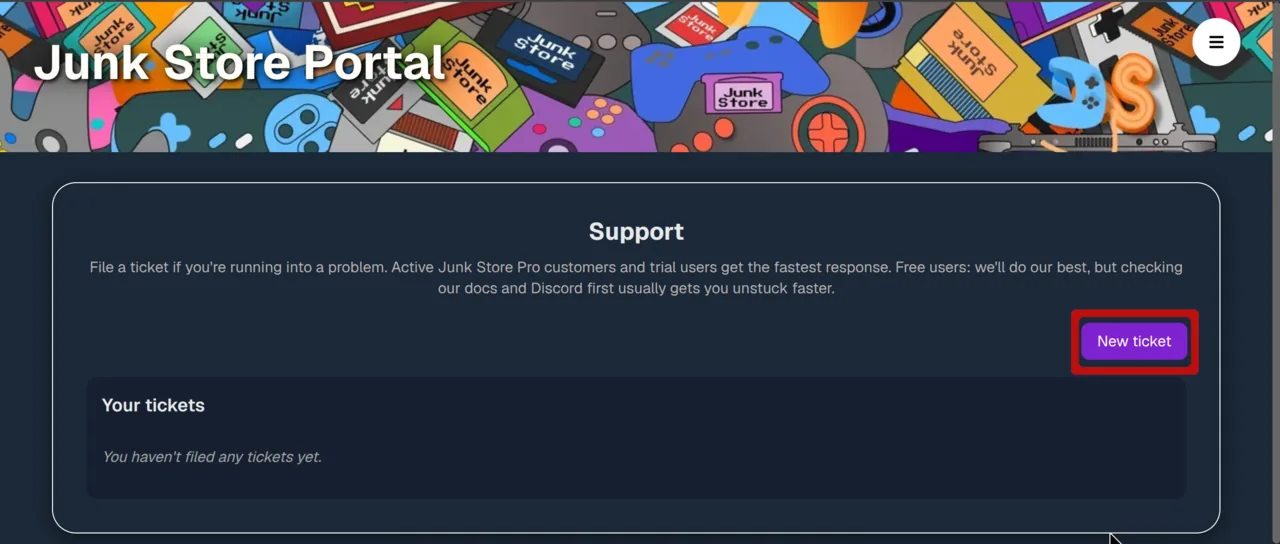
Recently we released a new support ticketing system in our portal and integrated file uploads to the portal from the File Manager. This has already helped a few users get better, faster support than before. I’ve also added a file preview feature to the File Manager, so you can view logs, images, and a few other file types. This has already made troubleshooting games much easier for me. The ticketing system completes the required infrastructure we needed to support Junk Store professionally.
So what’s next? We don’t publish roadmaps, because with only one developer it isn’t possible to deliver on any roadmap we could publish. We’ve got a full year of production track record behind Junk Store Pro, and that’s a better indicator of where we’re headed than any roadmap. We’ll leave you with this: there are several things on the reverse engineering workbench right now, and several features in varying stages of R&D. We’ve listened to everything people want, and while we’re not making any promises, we’re looking into all of them.
To those who signed up for the first year only: we look forward to seeing just how well Junk Store stands up without updates. We’re very optimistic. To those who continue on this journey with us: we can’t wait for you to see what we have cooking.
Game On!
Eben