Dev Update: View Any File as Text or PDF in the Junk Store File Manager
G’day,
Following on from the log uploader, sometimes when I’m down a rabbit hole I can’t help myself. There’s 3 new features in the File Manager to assist with troubleshooting. Since the upload to portal is working so well I thought, what if users could upload screenshots? Naturally you would have to know what you’re uploading first. I added a preview on image files from the left trigger menu on image files. You can also push x on any file for these actions when you’re in standalone file manager more (ie not file picker mode).
This is the type of thing that leads me down rabbit holes. What if users could preview the logs? Heck what about just view as text on any file?
Enter the text viewer:
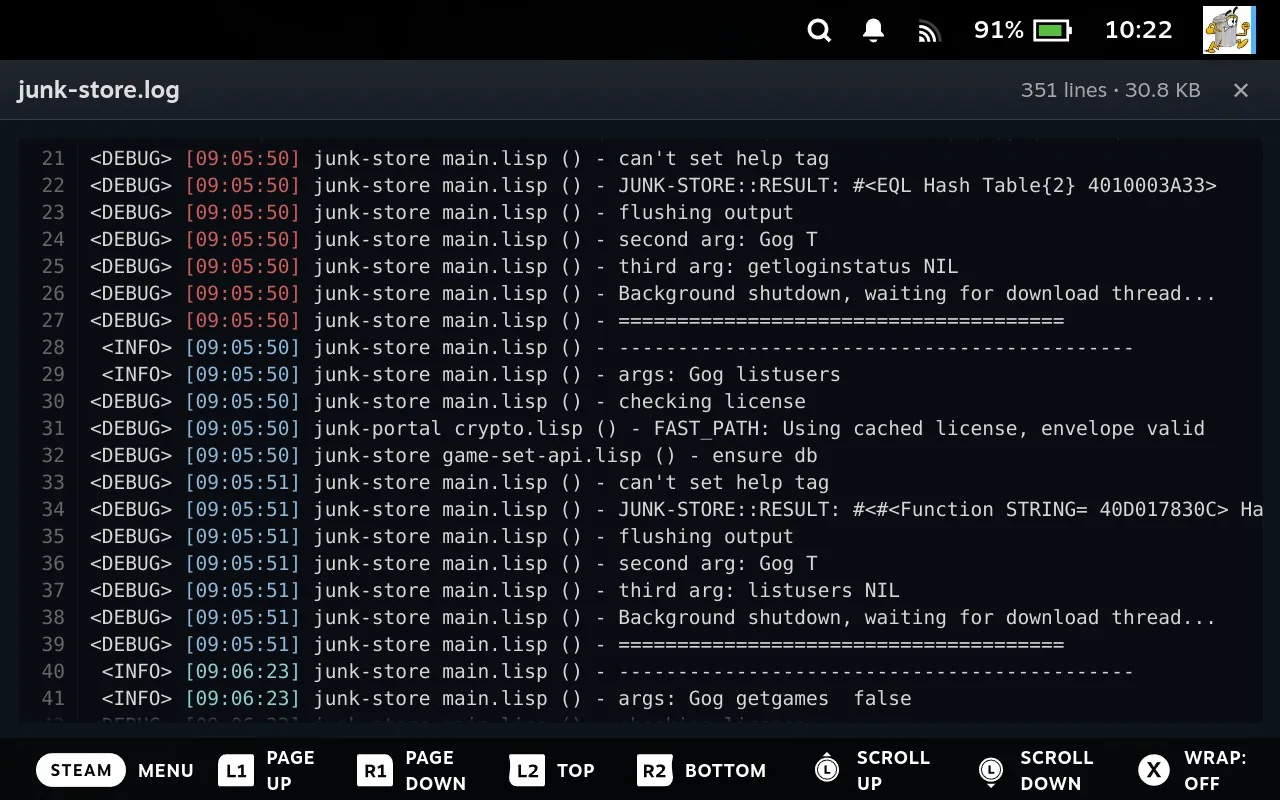
It’s still in beta and has rough edges, but it felt like the world just opened up in game mode, so I had to share it.
This is one of those features that provides value well beyond the initial use case. It’s so easy to view steam’s own logs now too. If you navigate to the Steam item in the sidebar, you can find the logs folder, open it and view any log you please.
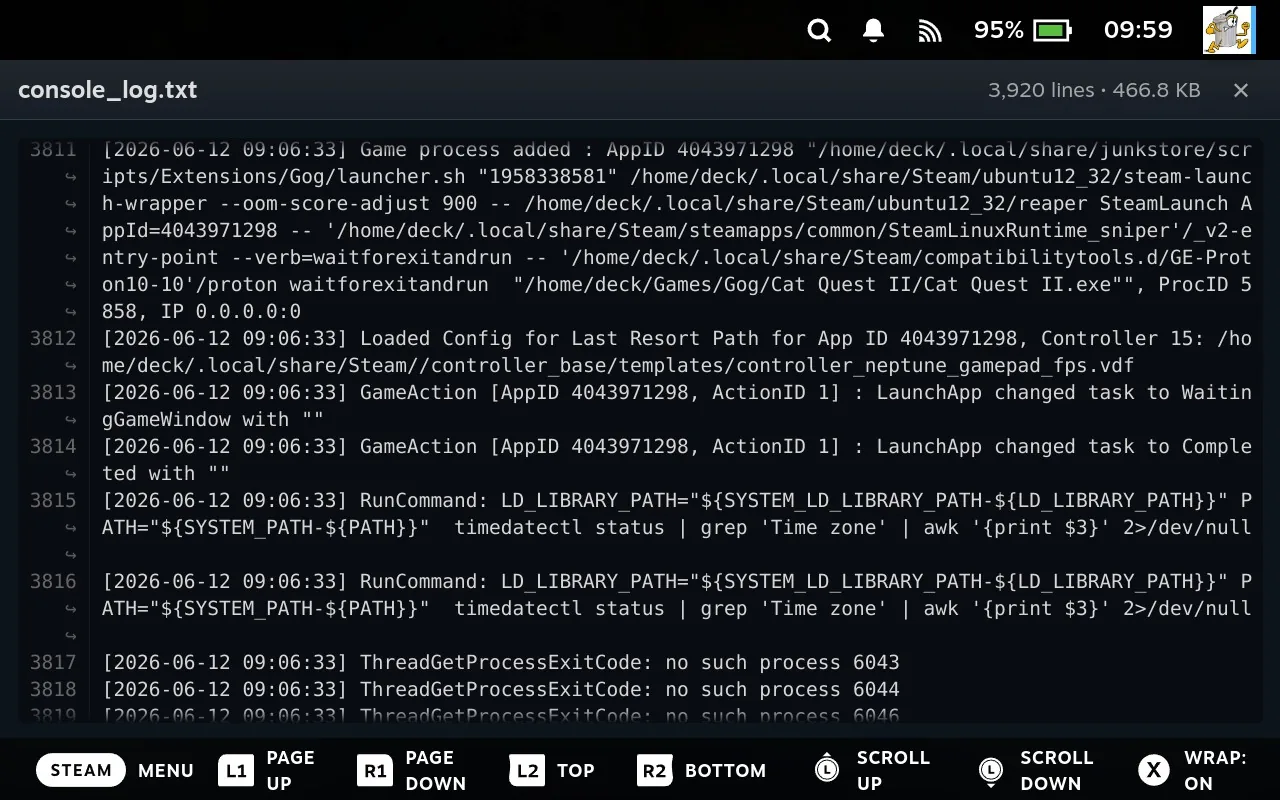
If you want to give it a test drive, switch to the beta channel and you can open it from the file manager (select+x) left trigger on any file and “view as text”. Right trigger to jump to the bottom (this is very useful for inspecting logs).
This is just a text viewer, not an editor. I have to resist the urge to add more features as it could blow up into its own project if I’m not careful.
With these types of ideas scope creep is a real risk. There’s also a basic PDF viewer built in now. It’s basic, it’s not super performant, but it works. From the file manager if you push x or left trigger and view as PDF you will get the PDF viewer. You can open the table of contents with the start button and jump to page with the y button. I’m not convinced about this idea yet, but I welcome feedback.
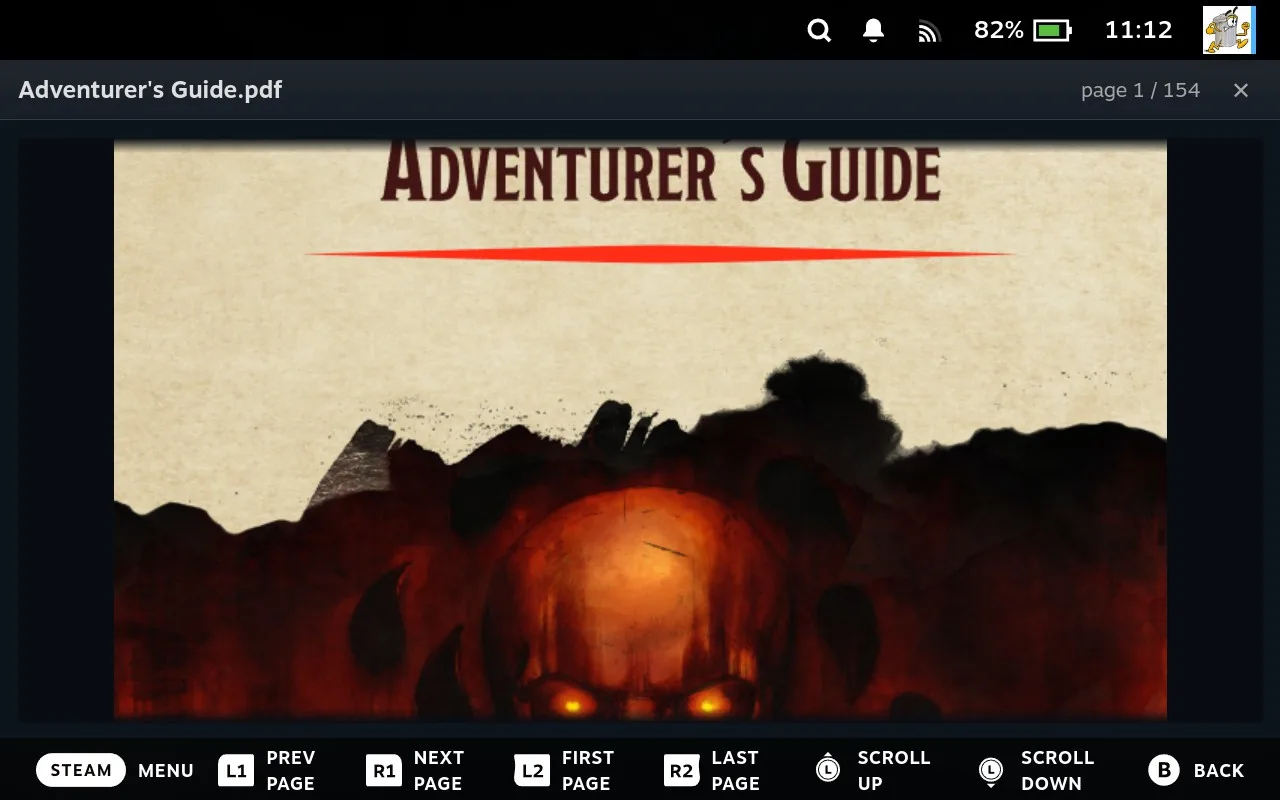
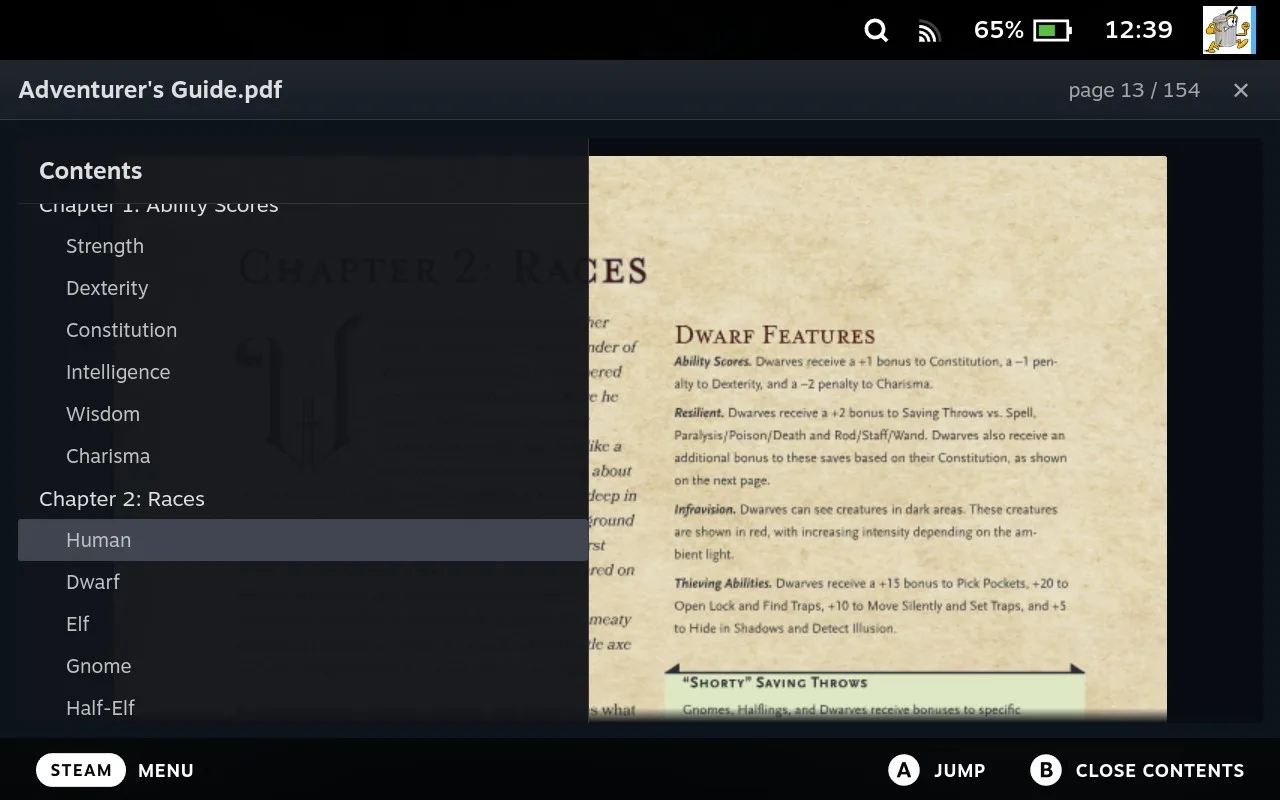
This is one of those things that was going to be a huge task without the File Manager, Junk Store Pro keeps leveling up!
I look forward to receiving feedback on this one!
For game-specific issues, feedback, or just a chat, you'll still find us on Discord, Reddit or Lemmy.
Game on,
Eben