How to Play Ubisoft Connect Games via Junk Store
Play Ubisoft Connect games from your Epic library including Assassin’s Creed and Far Cry
Install Ubisoft Connect and launch Ubisoft games through Epic Games Store.
Big shout out to Discord member numbersix for bringing our attention to the fact that you can play some Ubisoft games through Junk Store!
Successfully Tested Ubisoft Games:
- Far Cry 6 (Demo)
- Skull & Bones (Demo - you need to enable Battleye Anti Cheat from the cog icon)
- Tom Clancy's Ghost Recon Breakpoint (Demo)
- Trackmania Starter Access
- Monopoly Madness (Demo)
- Roller Champions
- Assassin's Creed Origins (community reports)
- AC Mirage (community reports)
Installing Ubisoft Connect Launcher
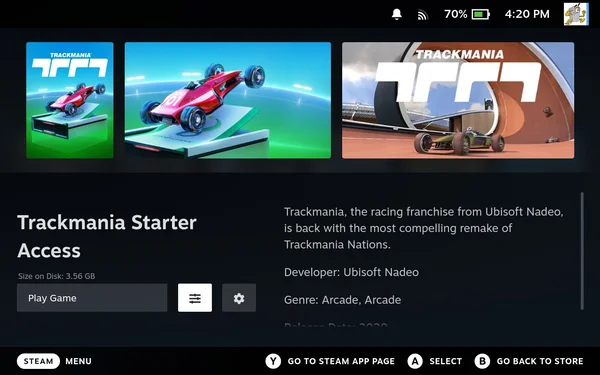
- Open the Sliders Menu
After installing the game via Junk Store, navigate to the sliders menu icon on the game screen and press A.
- Run the UPlay Installer
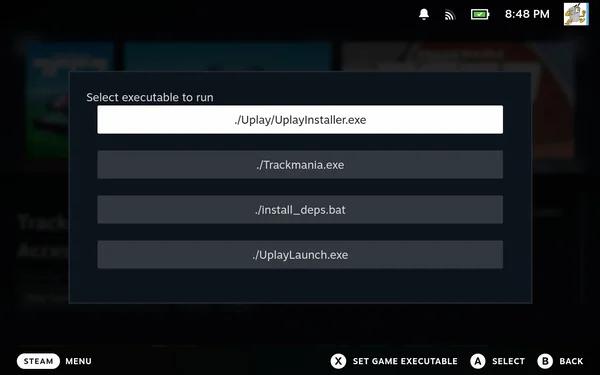
Highlight "Run exe in Game folder" and press A to select it. Then find and select the UPlay installer executable:
./Uplay/UplayInstaller.exeand press A again.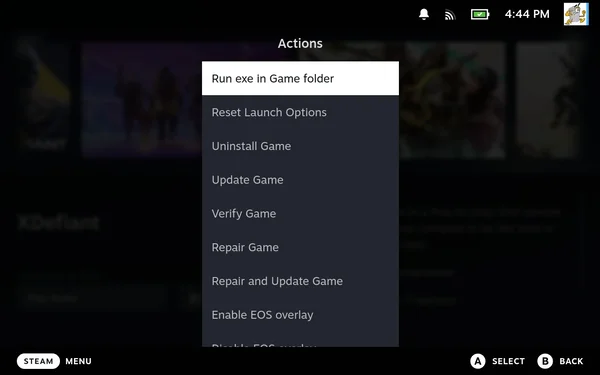
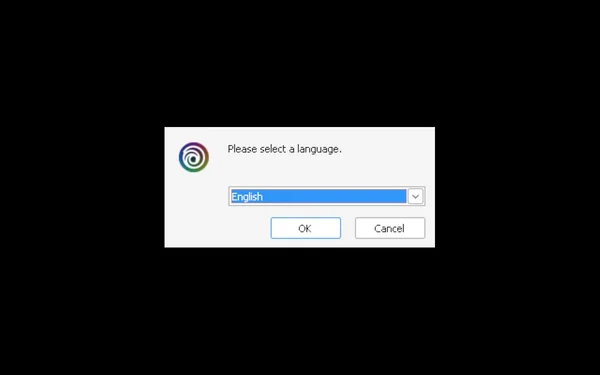
- Select Language
Select your language preference and click OK.
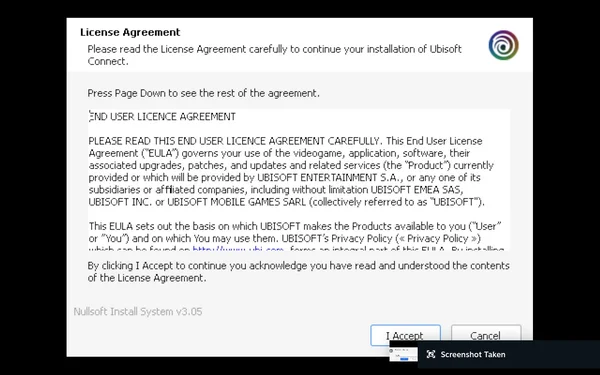
- Accept the License Agreement
Agree to the License agreement by clicking "I accept".
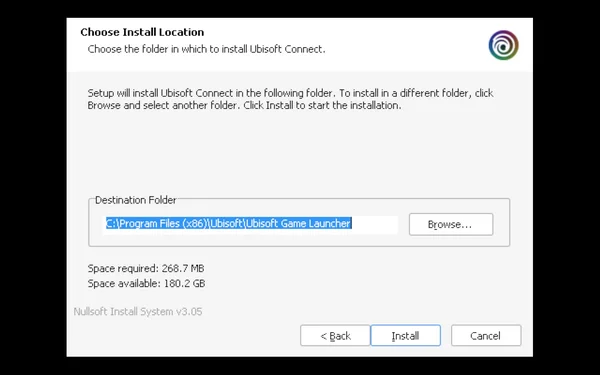
- Choose Install Location
Choose where to install Ubisoft Connect launcher. Leave it as default and select "Install".
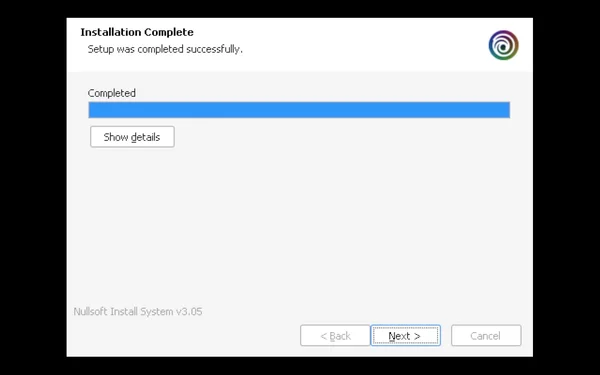
- Complete Installation
When installation completes, select "Next".
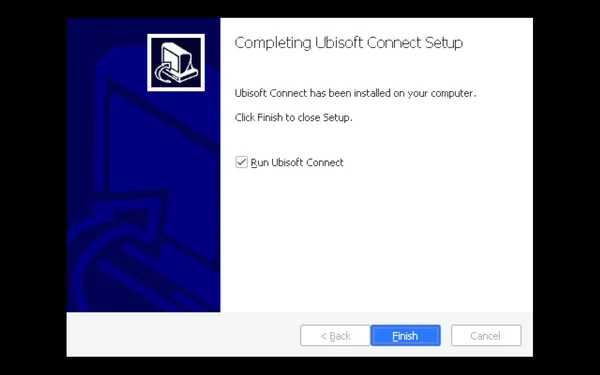
- Proceed to Login
Leave the box checked to proceed to account login, then select "Finish".
Ubisoft Connect Login
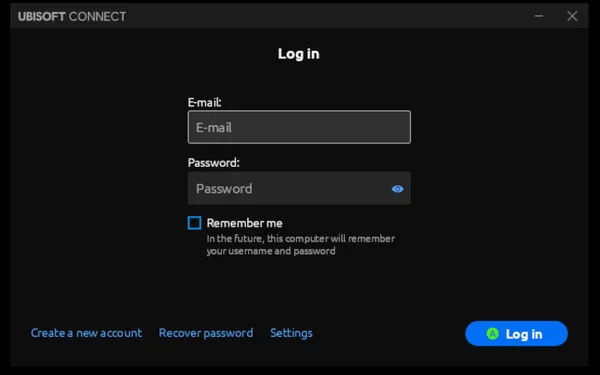
You will be asked to log in to Ubisoft Connect. You'll need an account - if you don't have one, you can create one at this time.
- Enter Credentials
Log in with your email and password. You may be asked to set up 2FA if you haven't already. Select "Remember Me".
- Close the Ubisoft Web Page
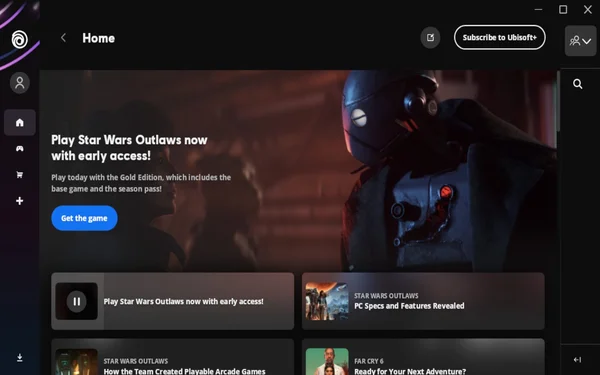
Ubisoft's web page will load. Once finished, close this page.
- Exit the Application
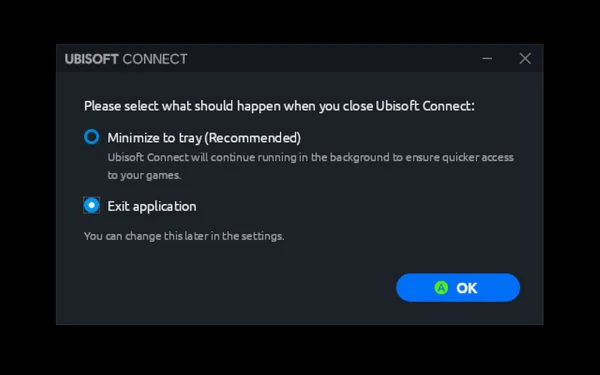
When you close the page, a dialog will appear. Choose "Exit the application" and press OK. This returns you to the game screen in Junk Store.
- Set the Game Executable
Back on the game screen in Junk Store, navigate to the sliders menu icon and press A. Highlight "Run exe in Game folder" and press A to select it.
- Select Game EXE and Save
Find and select the game executable:
./Trackmania.exe. Press X to "Set Game Executable" for future use.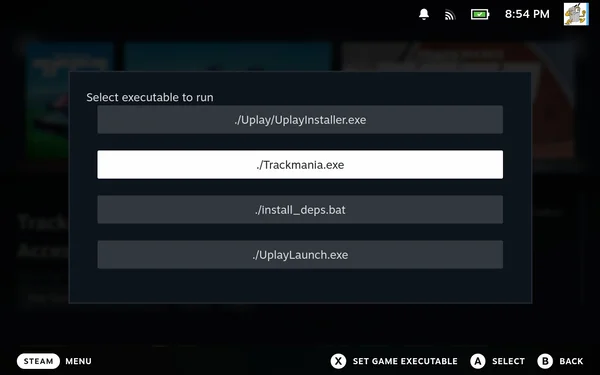
Launch and Install the Game
- Press Play
You'll return to the game screen where you can now press "Play".
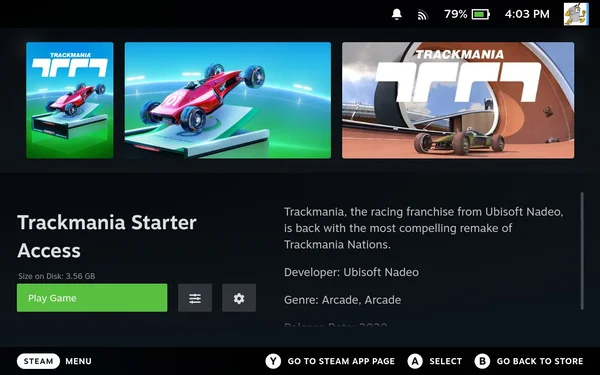
- Select Installation Language
A screen will appear saying "Installing Trackmania" asking you to set the installation language.
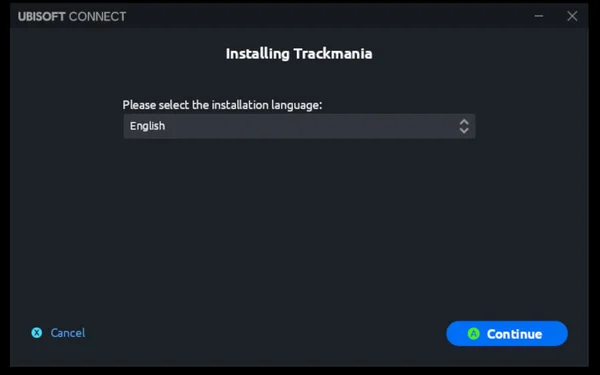
- Choose Install Location
Select an install location for the game. Leave as default (you can create a shortcut if desired, but this can be skipped). Press 'A' to continue.
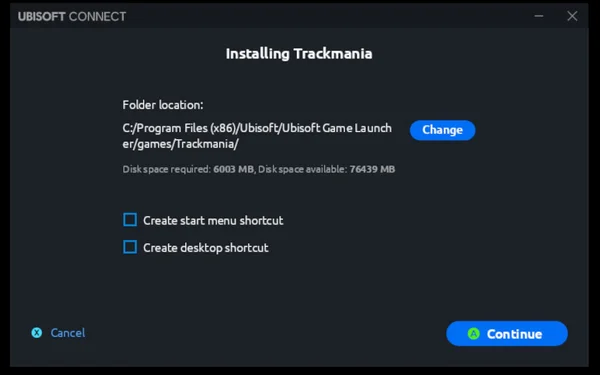
- Accept EULA
Accept the EULA when prompted.
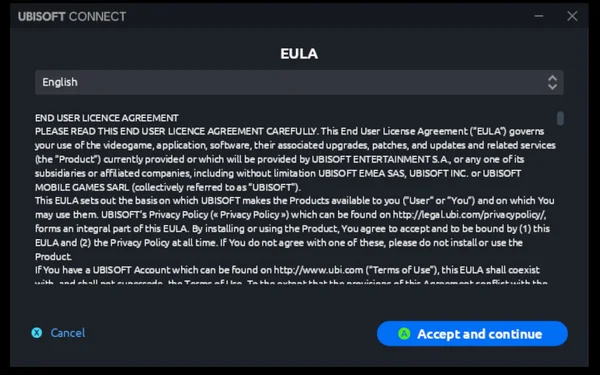
- Download and Play
Trackmania will download through Ubisoft Connect. When finished, press 'A' to play.
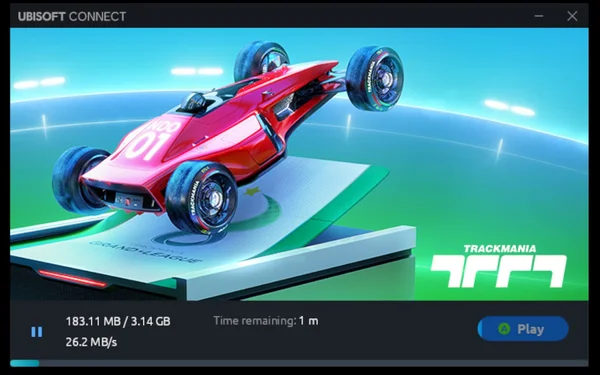
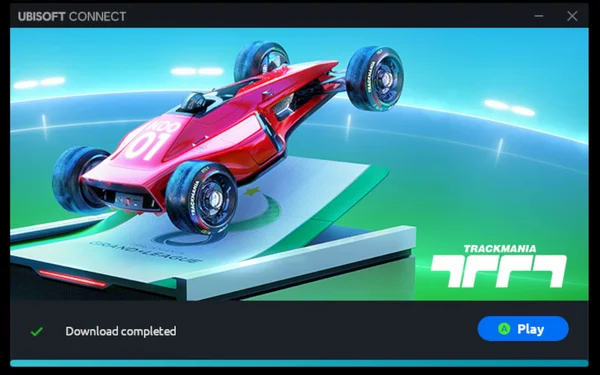
The game will now launch and you'll be able to play!
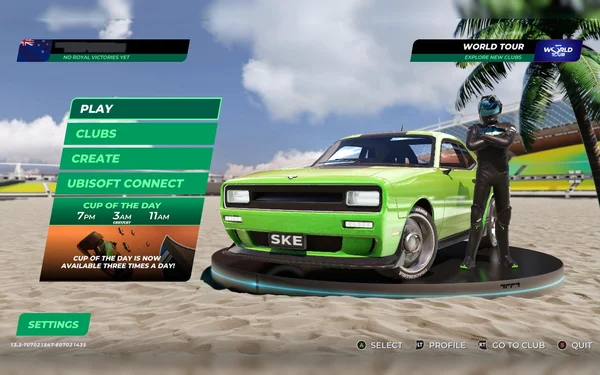
There you have it. You can now play some of your Ubisoft games in Junk Store too!
Have fun gaming everyone,
The Junk Store Team
Stuck or need help?
Most issues are quick to sort out. Here's where to start.
- FAQ - General questions
- Troubleshooting - Common issues
Still stuck? Open a support ticket right in the Support Portal
For game-specific issues, feedback, or just a chat, you'll find us on: