How to Install Junk Store Decky Plugin
Install Junk Store via Decky Loader to play Epic Games in Steam Deck Game Mode
Prefer video? Watch on YouTube
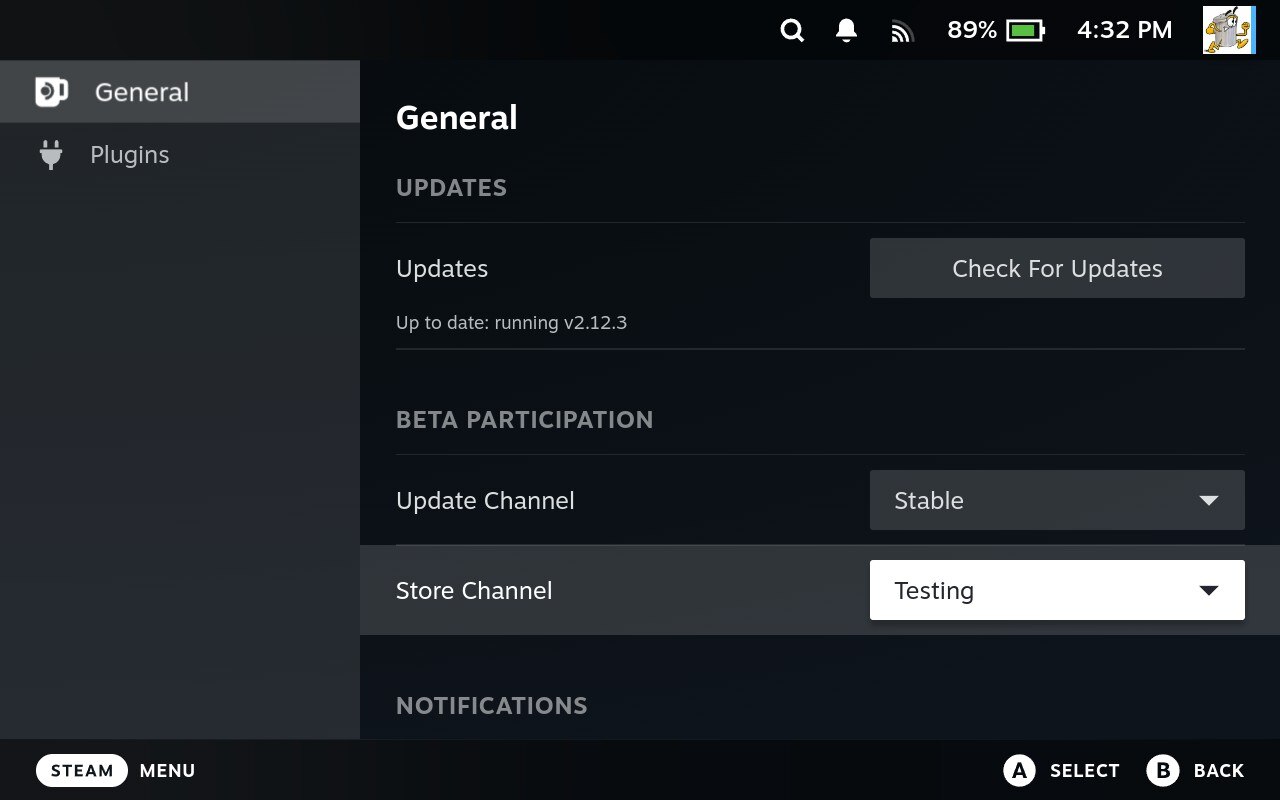
- Check your Store Channel
Make sure you're using the correct Store Channel in Decky. Press the three dots (...) button, go to the gear icon in the top-left, and set your Store Channel to Default for the main store or Testing for the test version.
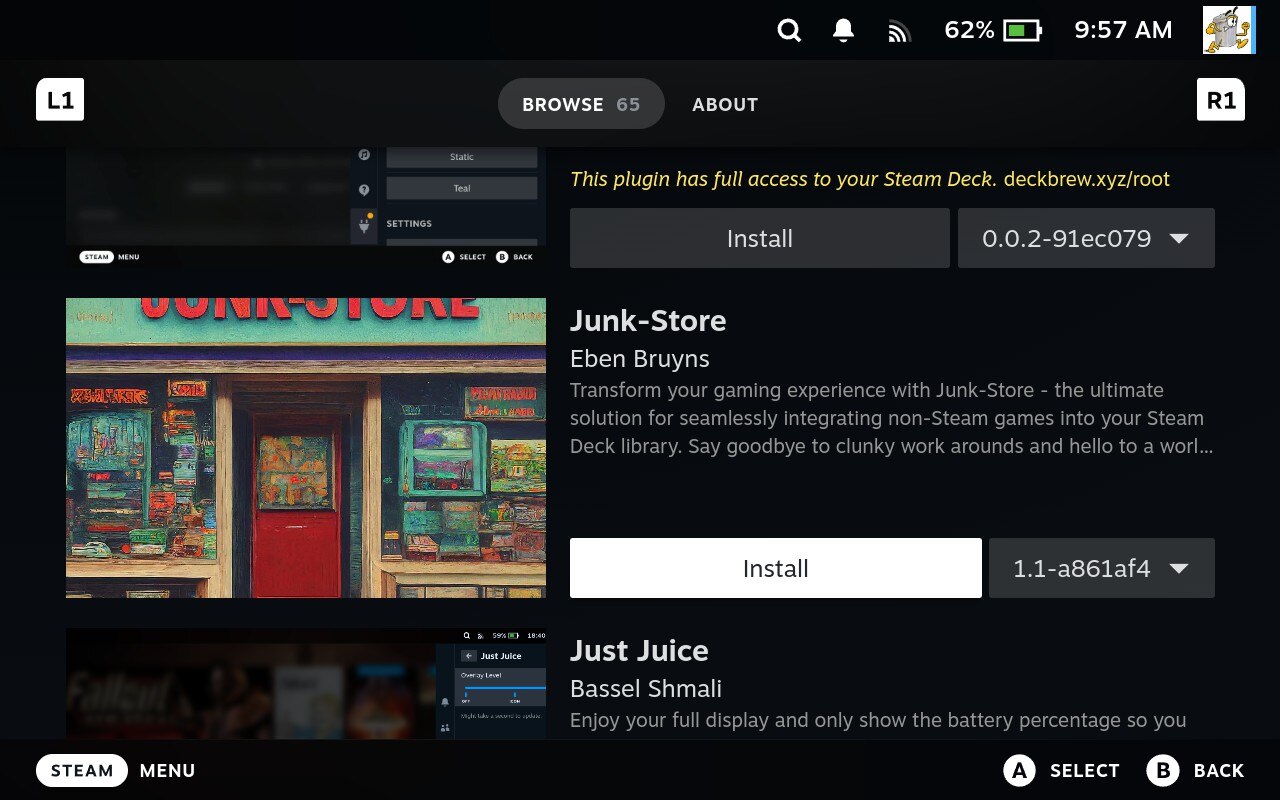
- Install Junk Store
Go back to the Decky Loader main screen, open the Decky Plugin Store, search for or scroll to Junk Store Plugin, and click Install.
- Install Dependencies
After installing, open Junk Store, go to the About section, and select Dependencies > Install Dependencies.
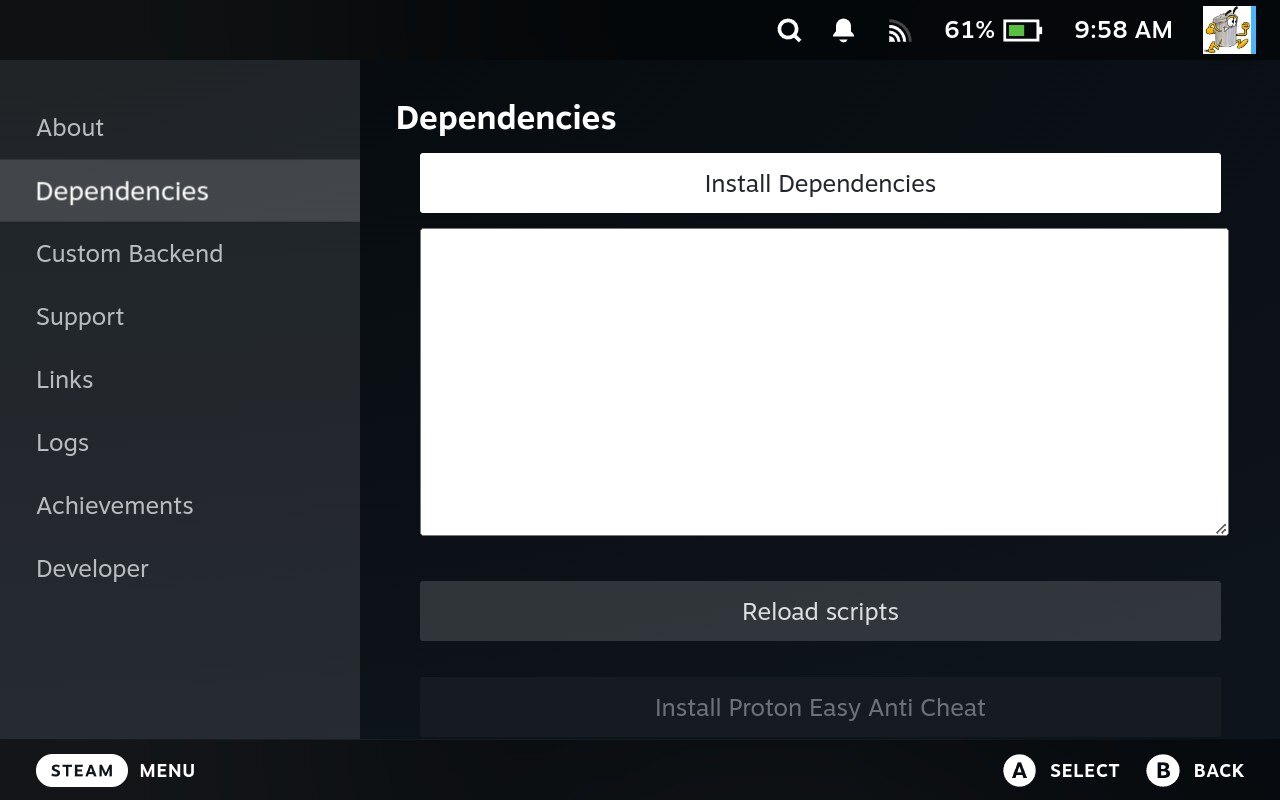 This might take around 30 seconds or longer. That's normal, so let it finish.
 - Log in to Epic Games
From the Junk Store menu, select Games. You'll be prompted to log in to your Epic Games account.
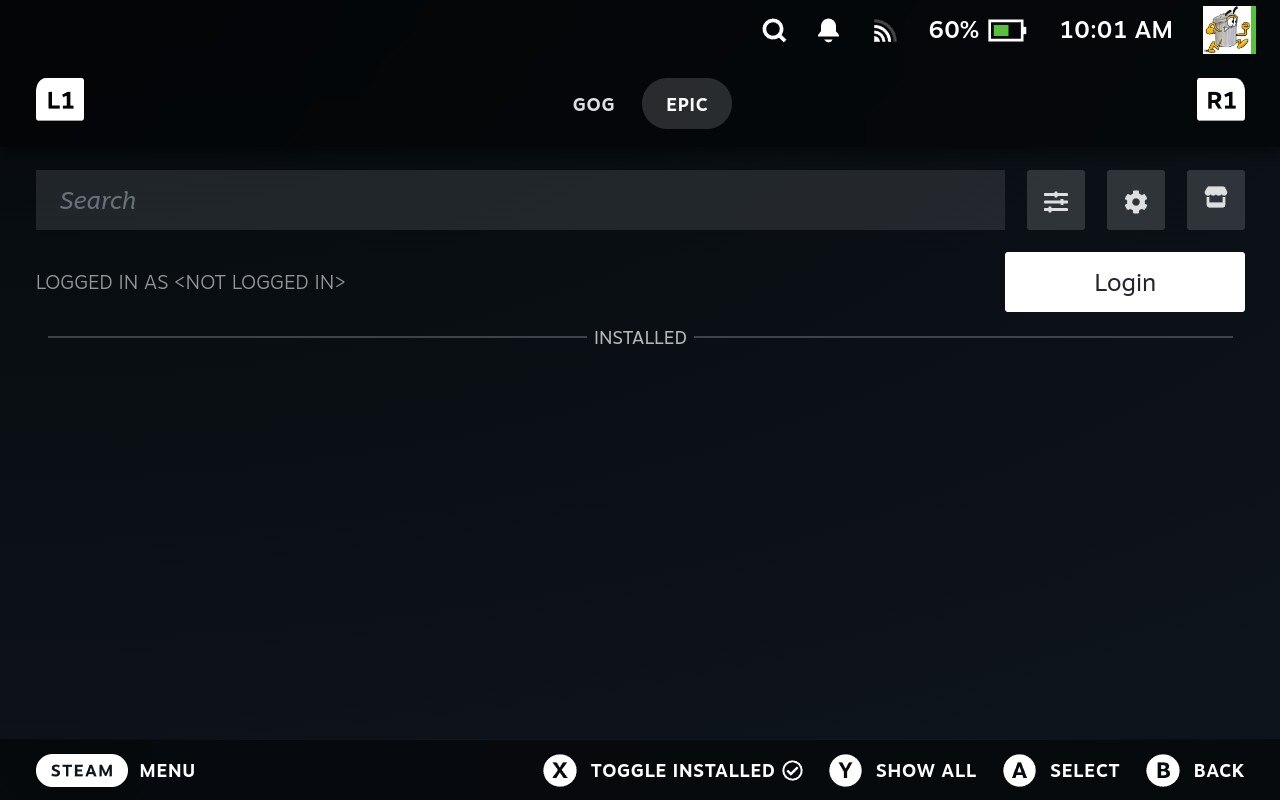
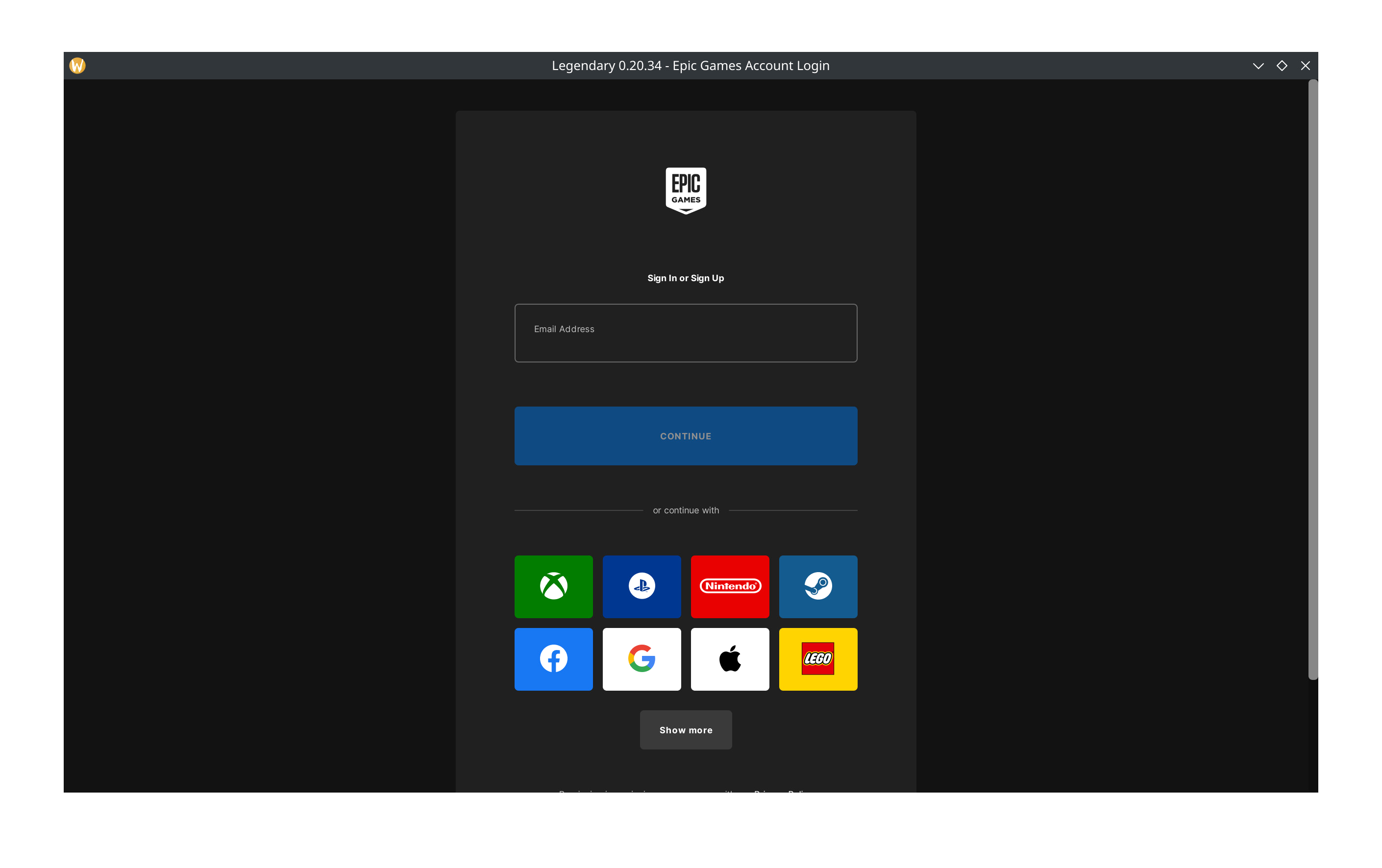 Make sure the Epic account you log in with has games in its library, or nothing will show up.
 - Use Desktop Mode for Third-Party Logins
If you want to log in using Xbox, PlayStation, Nintendo, or another method, switch to Desktop Mode and follow our guide: Login with OAuth / Third-Party
- View Your Library
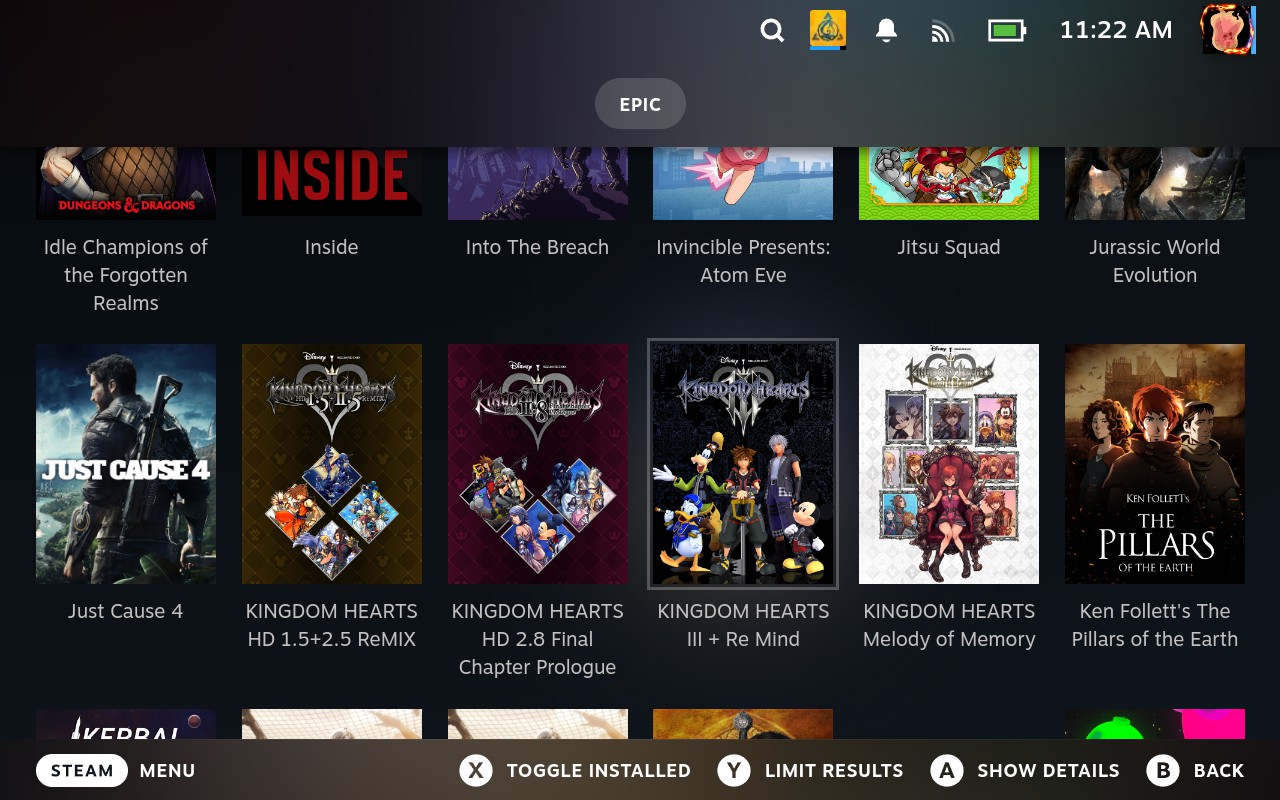
After logging in, your Epic library should load automatically. If it doesn't, scroll down and press Y on Show All, make sure Show Installed is not selected, and clear the search box if needed.
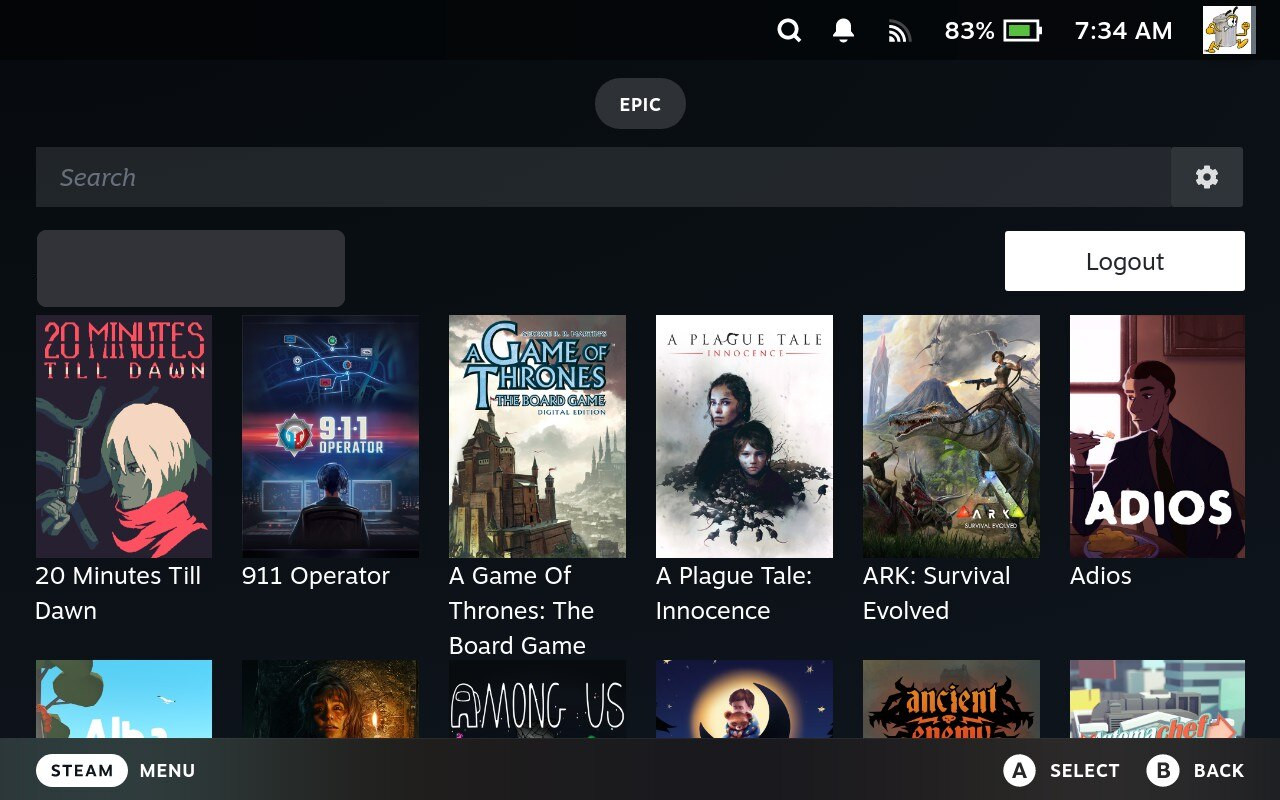 Games that need EA App or Origin won't show up, because they aren't supported.
 - Test with a Small Game
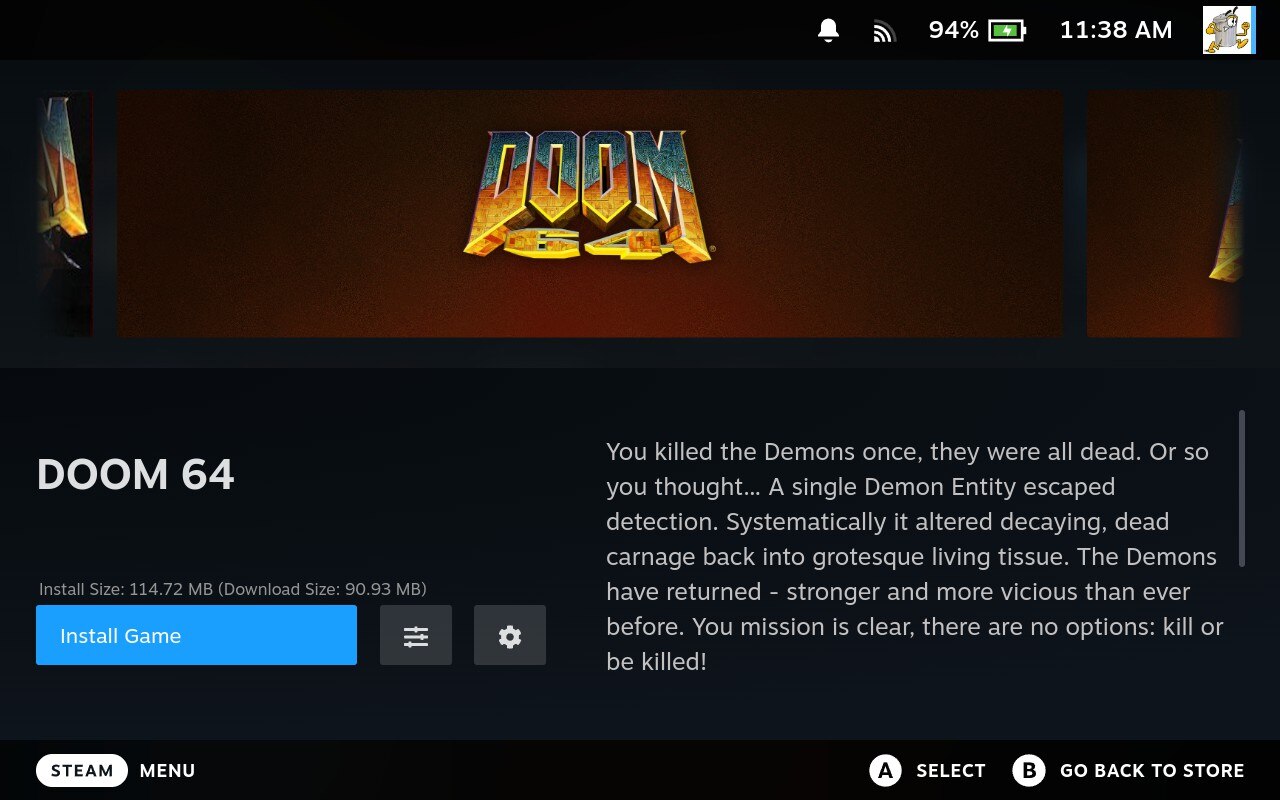
To make sure everything works, try installing a smaller game. We recommend something simple like DOOM 64. Avoid huge or complex games right away, since some need extra setup to work properly on Steam Deck.
- You're Ready to Go!
Once you've installed and tested a game, you're all set.
Community Guides

Stuck or need help?
Most issues are quick to sort out. Here's where to start.
- Decky Plugin FAQ - General questions
- Troubleshooting - All Decky issues
Still stuck? Open a support ticket right in the Support Portal
For game-specific issues, feedback, or just a chat, you'll find us on:
On Discord, head to the #decky-plugin-support channel.