How to Install the GOG Extension
Add GOG Galaxy games to Junk Store with the community-built GOG extension
- Install Junk-Store
Make sure you have the latest version of Junk-Store installed from the Decky Store.
- Switch to Desktop Mode
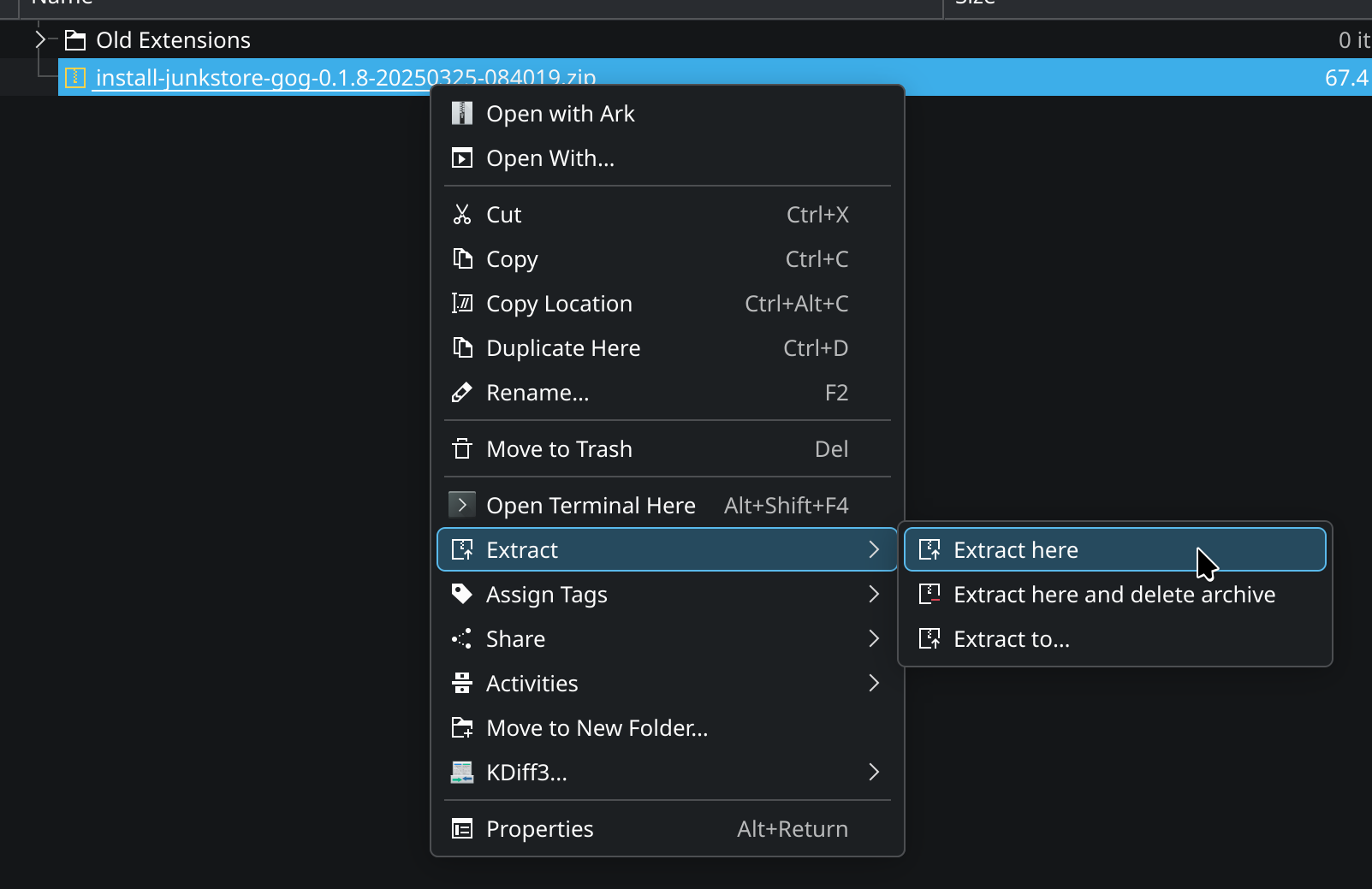
Download the latest GOG extension ZIP file from the portal, then right-click the ZIP file and choose "Extract Here".
- Launch the Installer
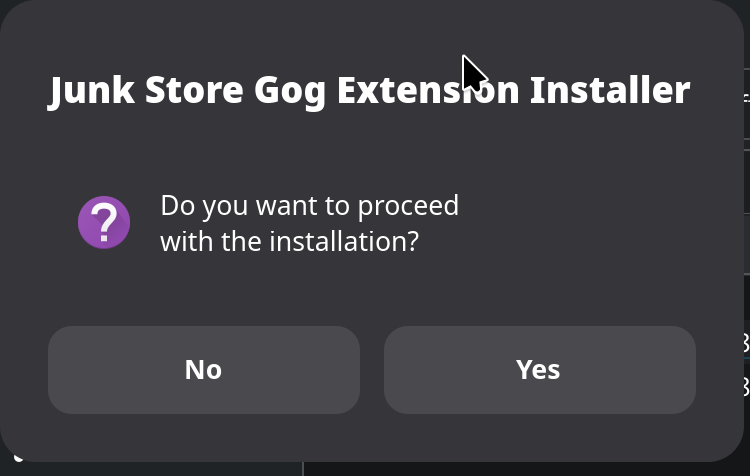
Double-click the extracted file to launch the installer.

- Confirm Installation
Follow the prompt to install the GOG extension.
- Return to Game Mode
Once installed, switch back to Game Mode.
Note: You will need to reinstall the dependencies after installation.
- Verify the GOG Tab
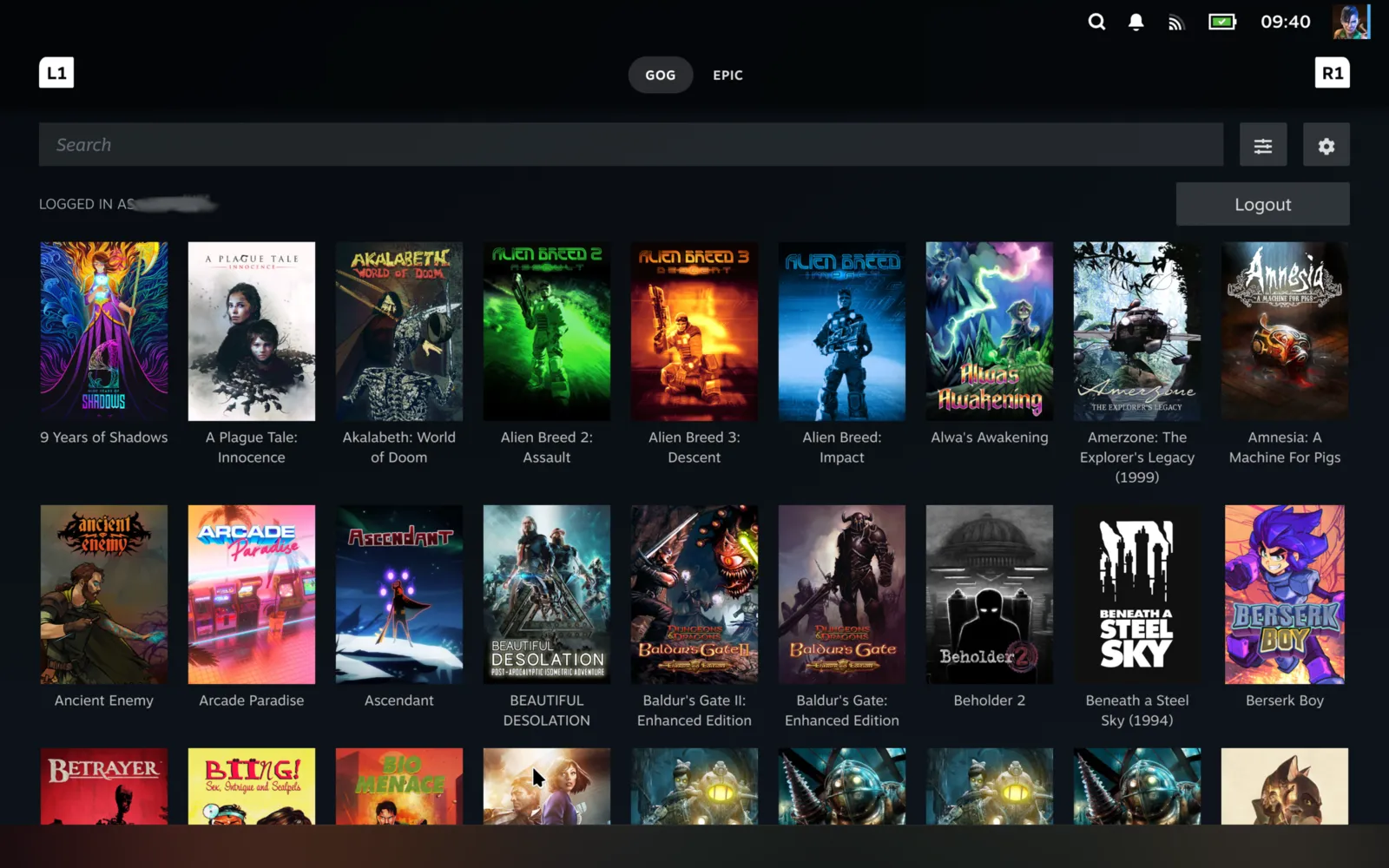
The GOG tab should now be visible in Junk-Store. Log into GOG using your GOG account credentials.
- Test with a Simple Game
Install a basic game like Absolute Drift to confirm the extension is working correctly.
Stuck or need help?
Most issues are quick to sort out. Here's where to start.
- Decky Plugin FAQ - General questions
- Troubleshooting - All Decky issues
Still stuck? Open a support ticket right in the Support Portal
For game-specific issues, feedback, or just a chat, you'll find us on:
On Discord, head to the #decky-plugin-support channel.