How to Install Junk Store Pro
Download and install Junk Store Pro standalone app for Epic, GOG, Amazon and itch games
Prefer video? Watch on YouTube
- Go to Desktop Mode
Press the Steam button → Power → Switch to Desktop.
- Log into the portal
Go to the portal and log in with your account credentials. If you can't remember your password, use the reset option on the login page.
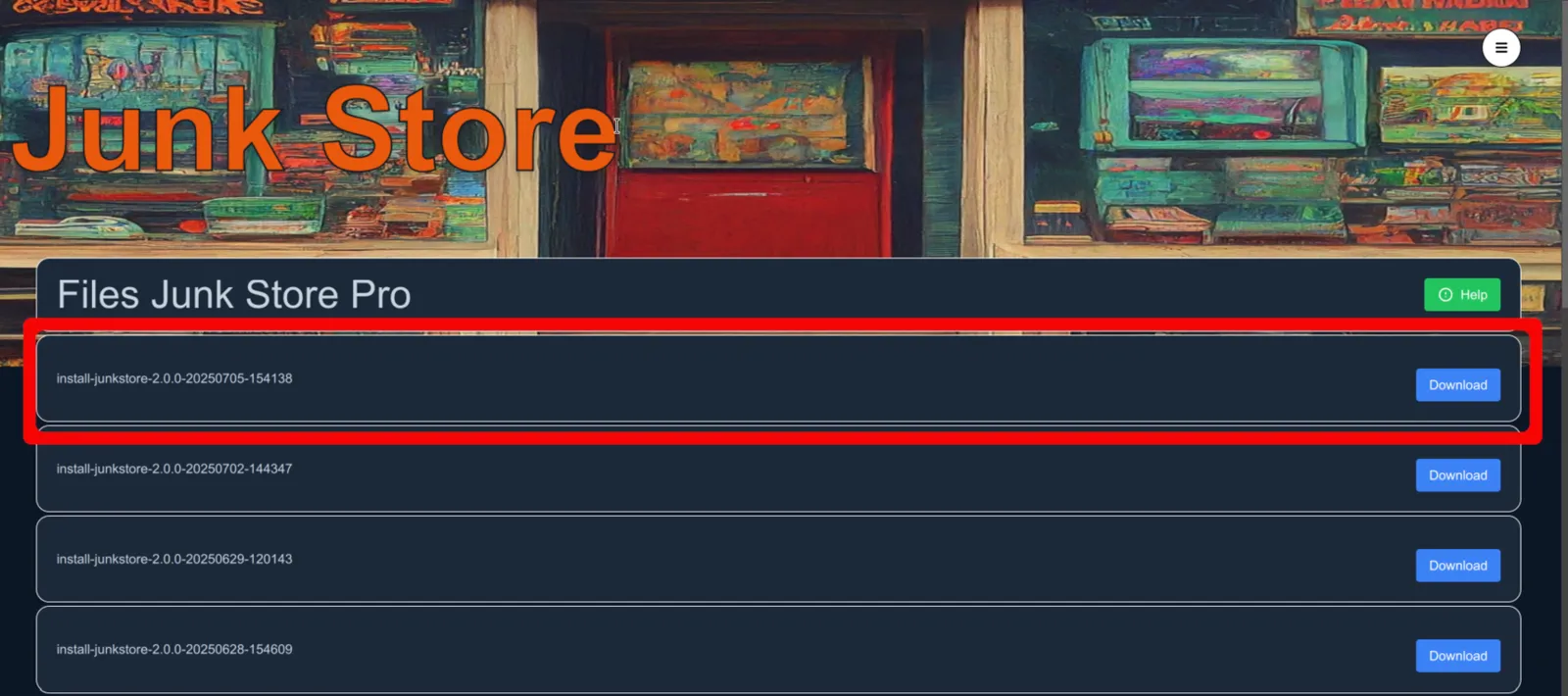
- Download the latest js_pro
Download the latest build (first file in the list).
- Make it executable and install
Open Dolphin → Downloads → Right-click the file → Properties → Permissions → Mark as executable → Click OK → Double-click to install.

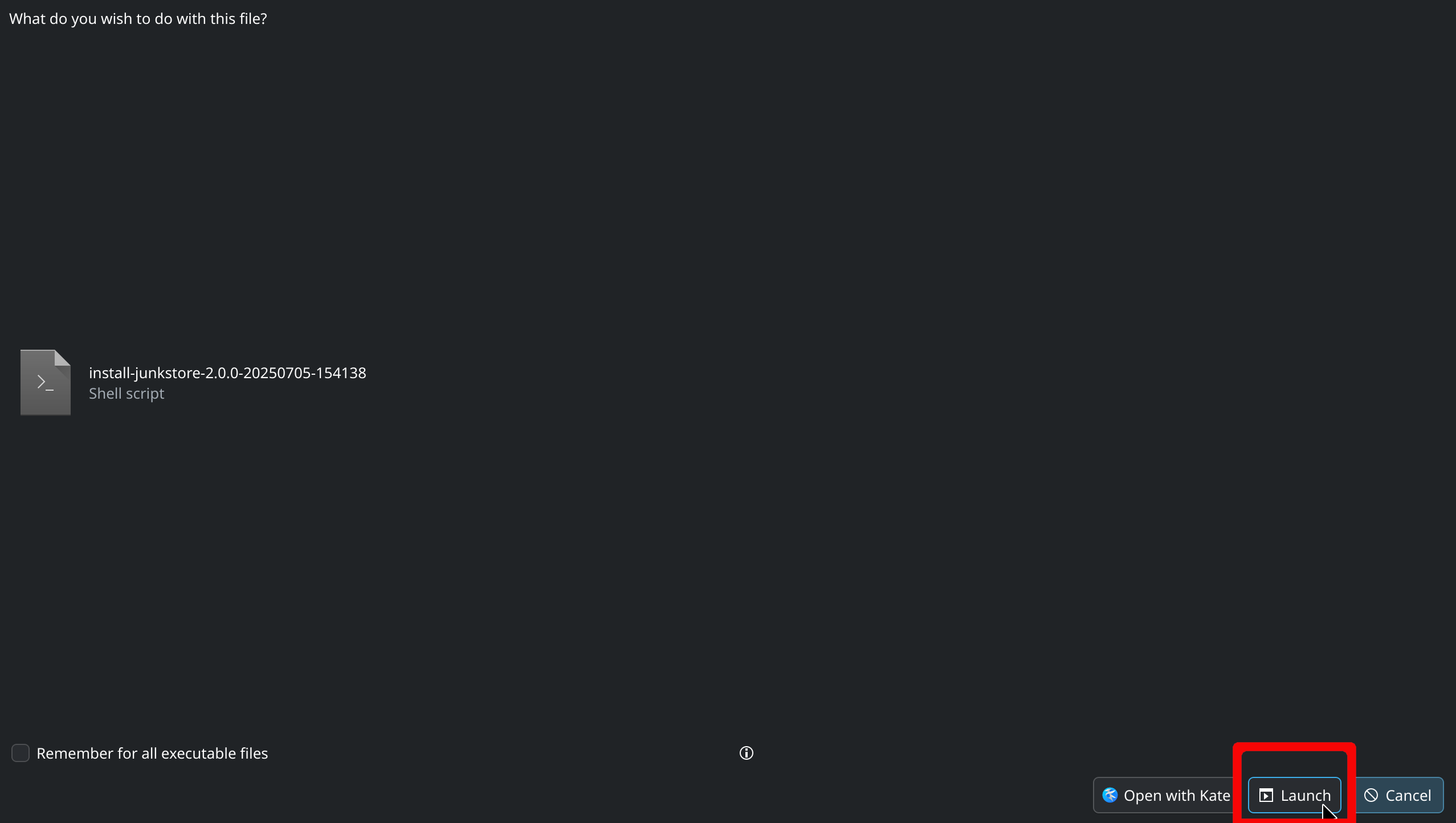
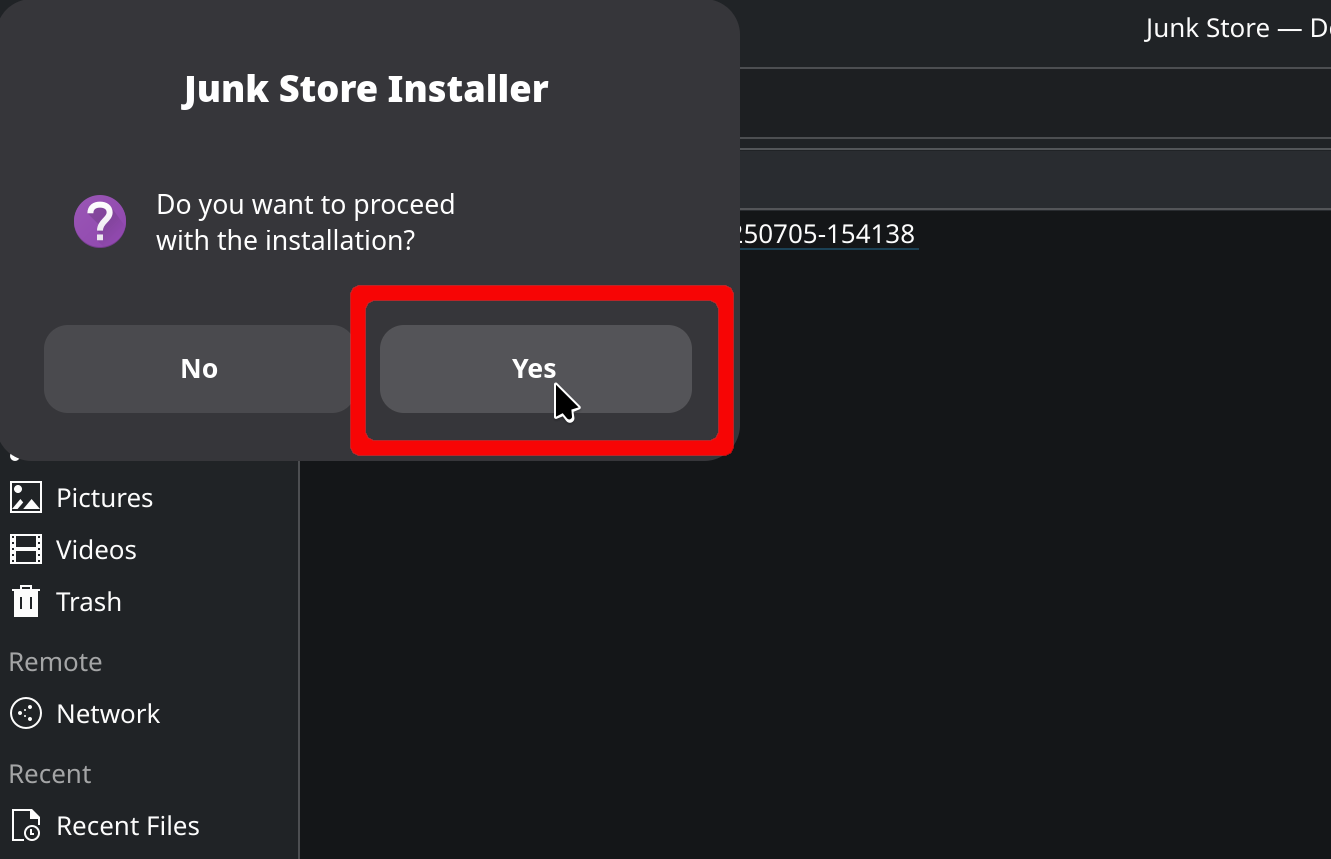 ⚠️ CRITICAL: You MUST wait until the dialogue box says "Installation Complete" before clicking OK. Clicking OK too early cancels the installation.
 - Return to Gaming Mode
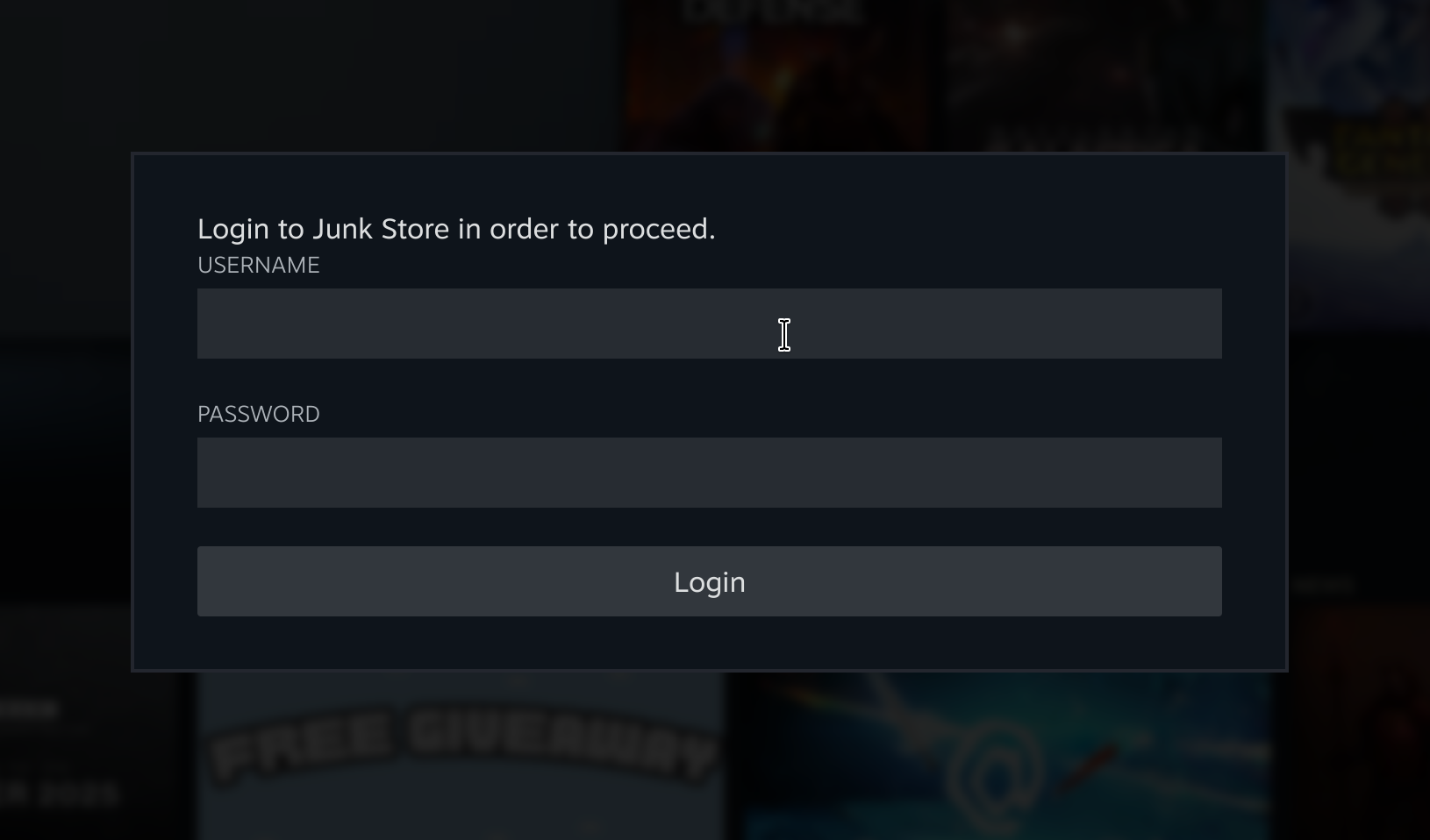
Press 🗗 View (button above the D-pad) to open Junk Store, then log in with your portal credentials.
- Generate your extensions
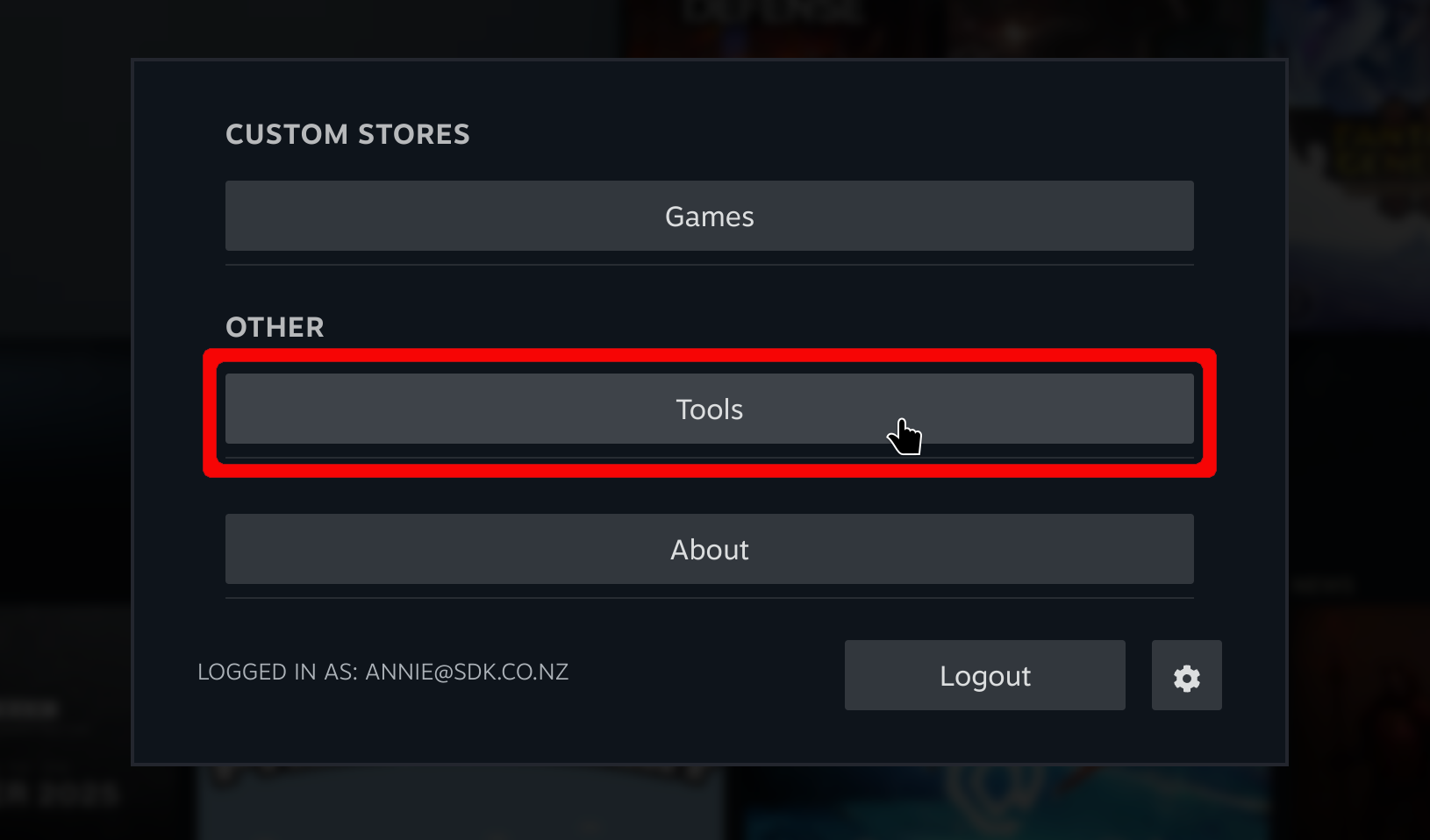
Go to Tools → Generator.
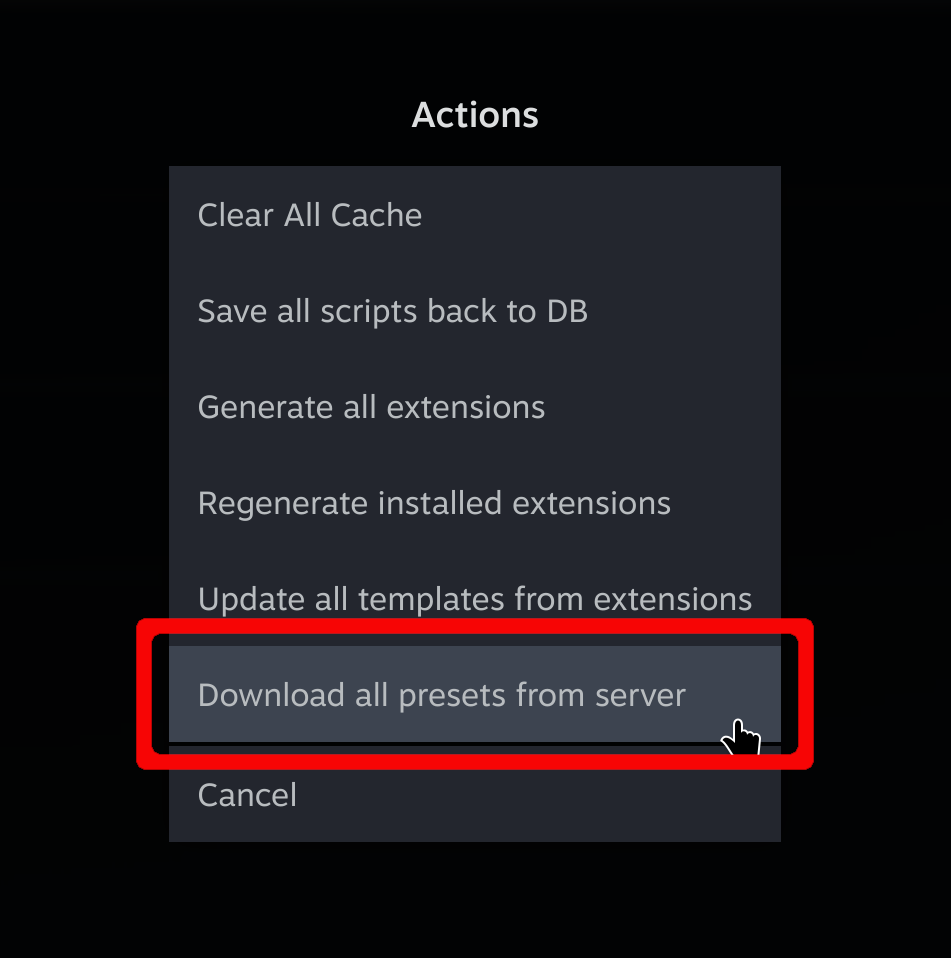
Open the sliders menu and choose Download all presets from server.

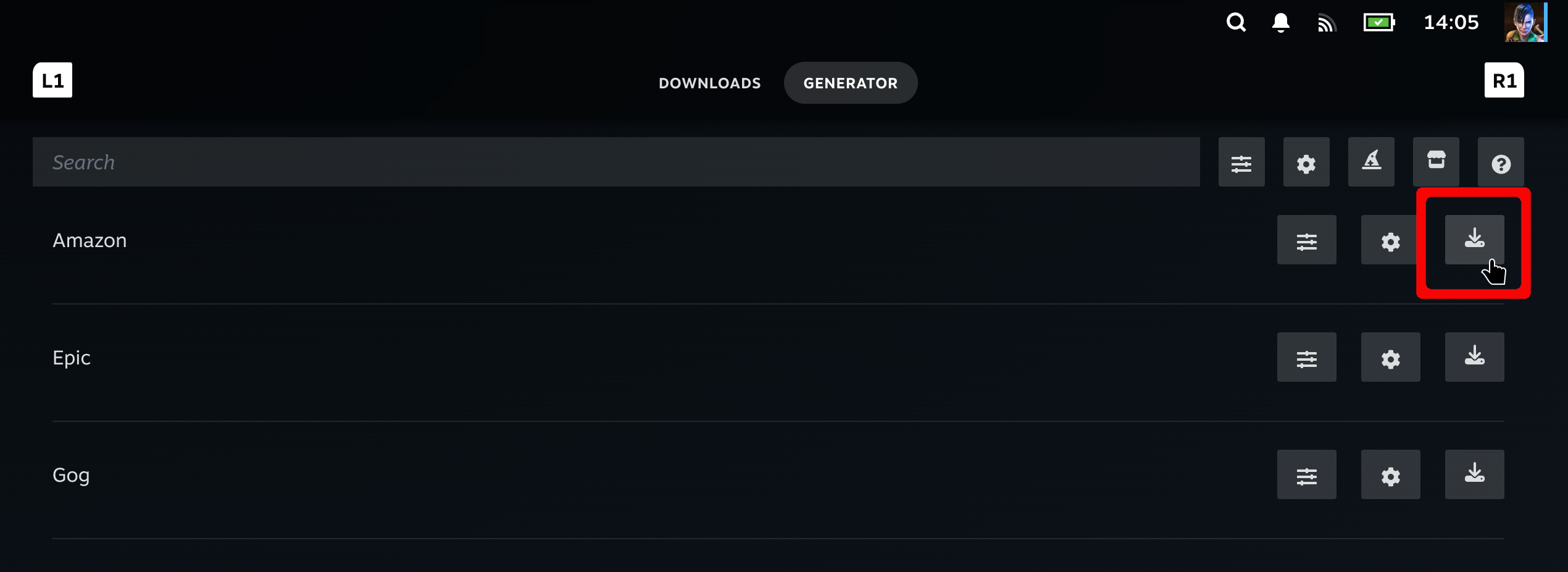
Generate the extensions you want (Epic, GOG, Amazon, itch) by pressing the download button.
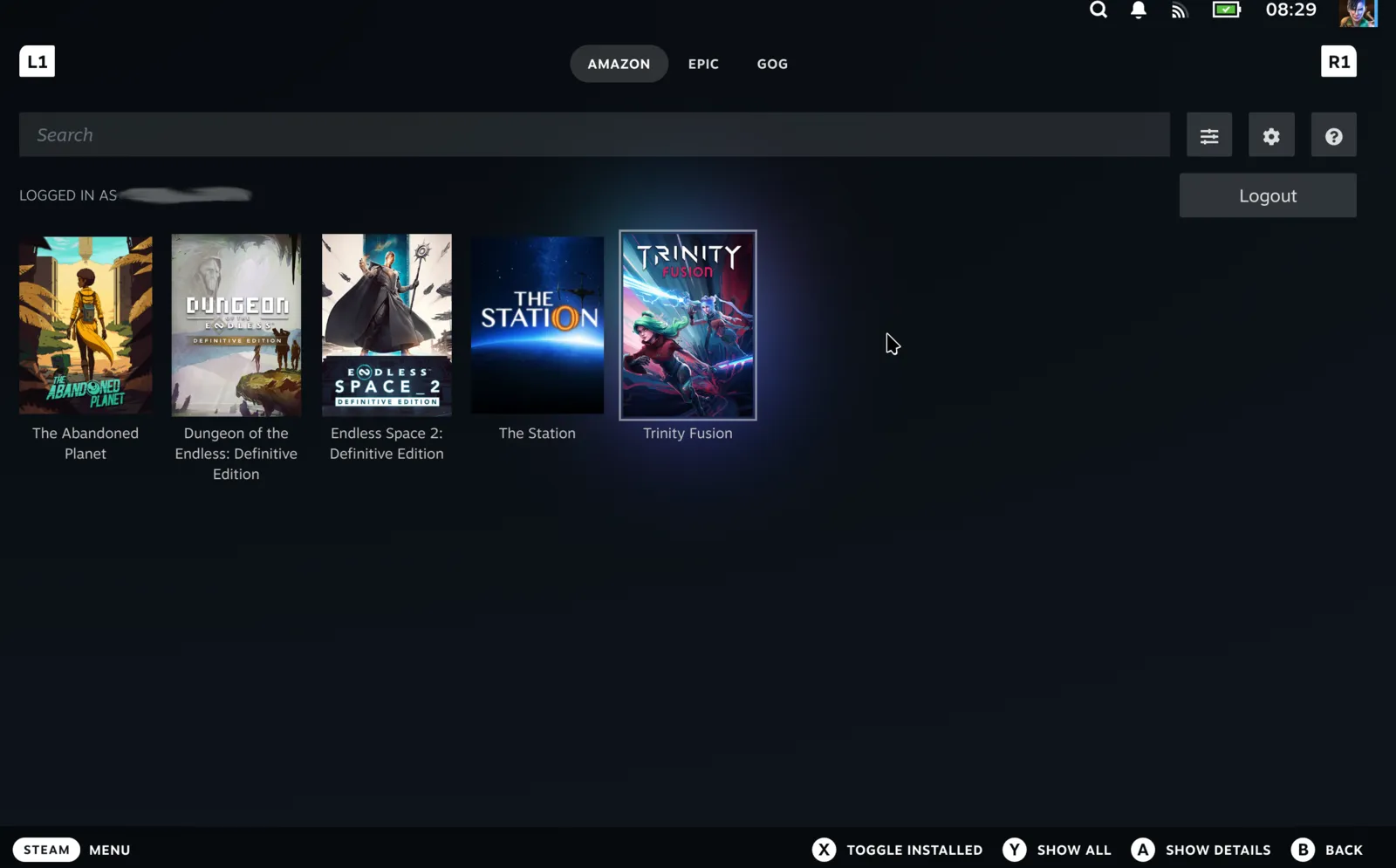
You should now see tabs for each extension.

Log in to each storefront and your libraries will populate.
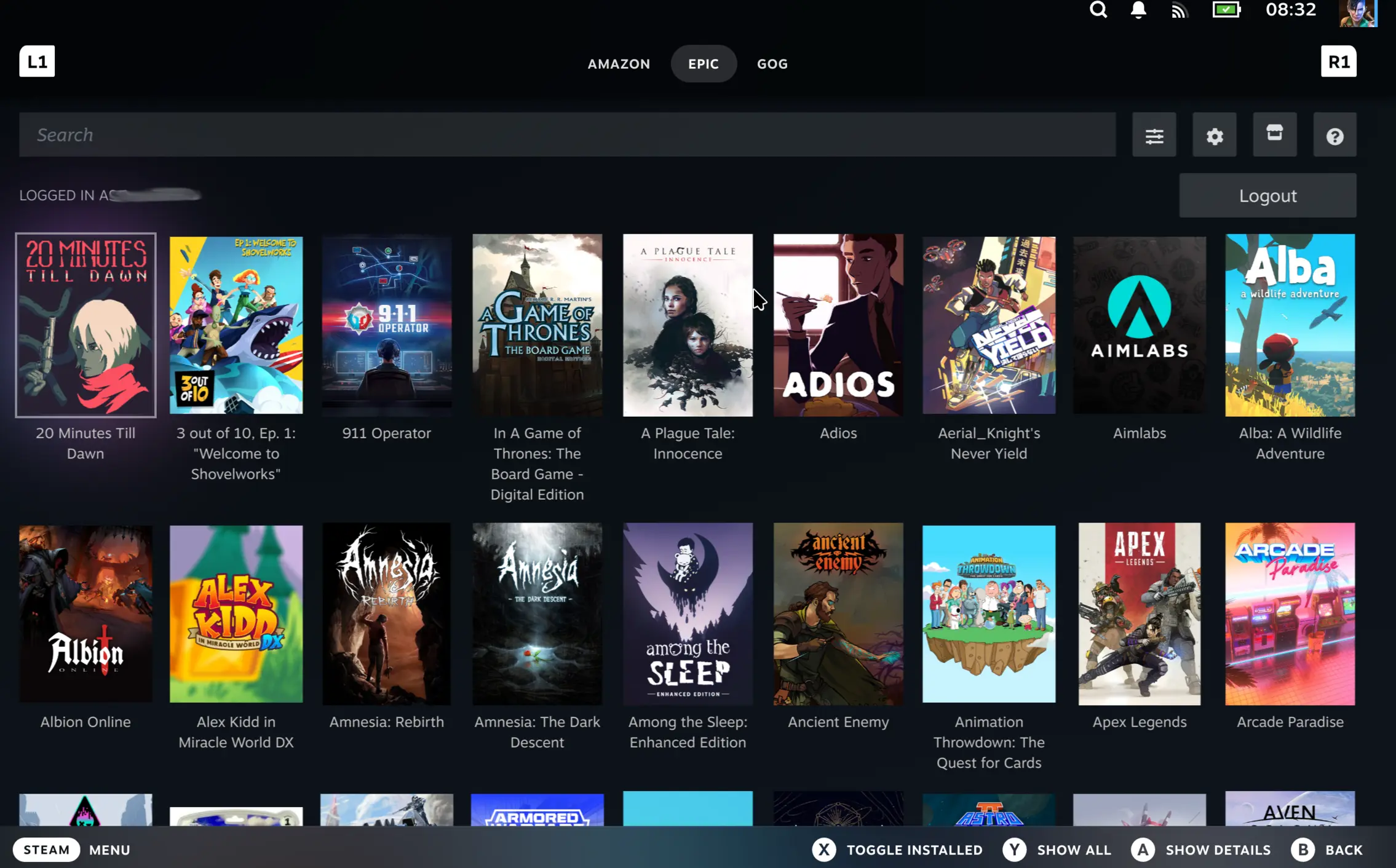
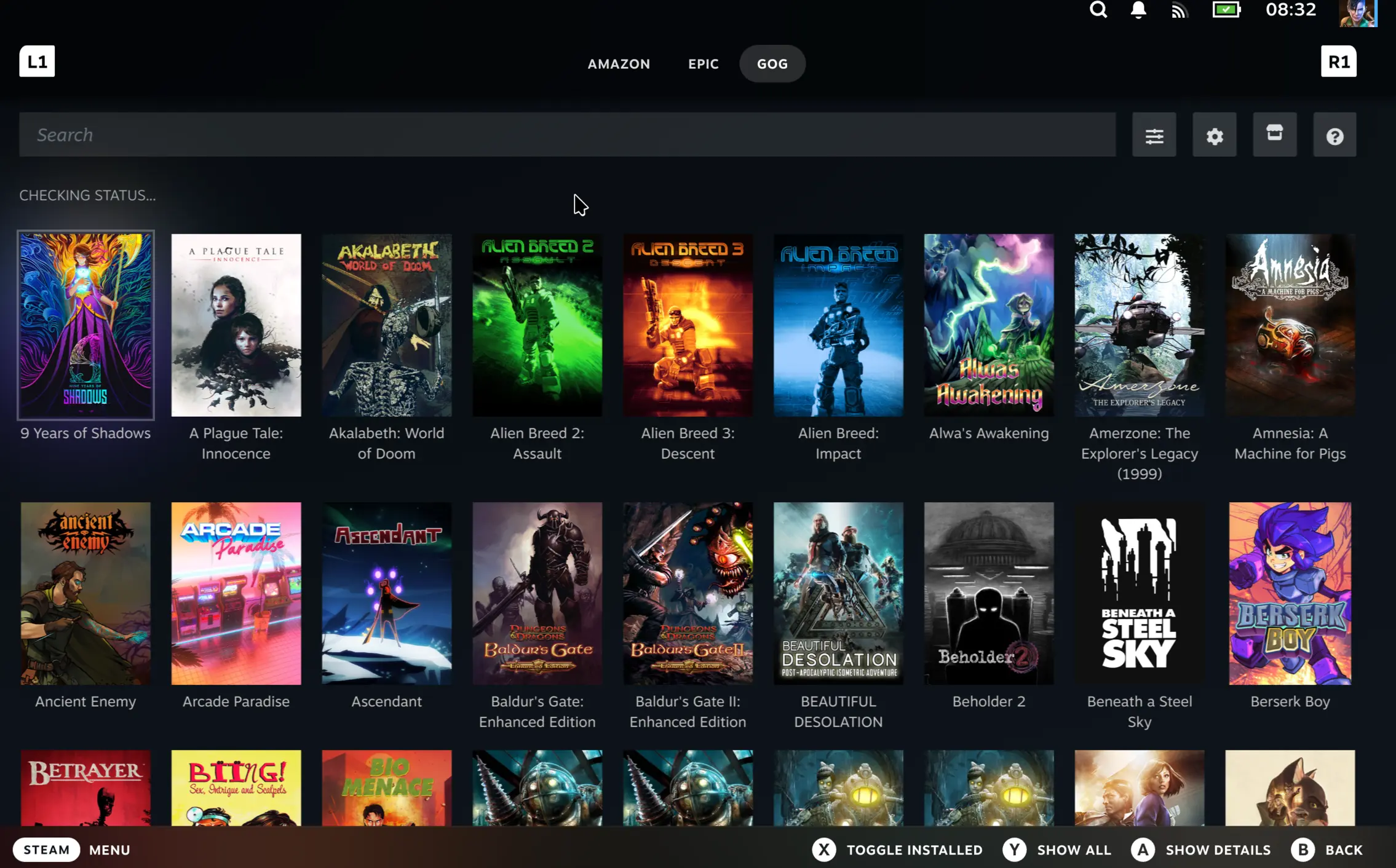
Upgrading from the Decky plugin?
Your library and installed games will be ported across. To play already installed games, reset launch options for each game once — this completes the migration.
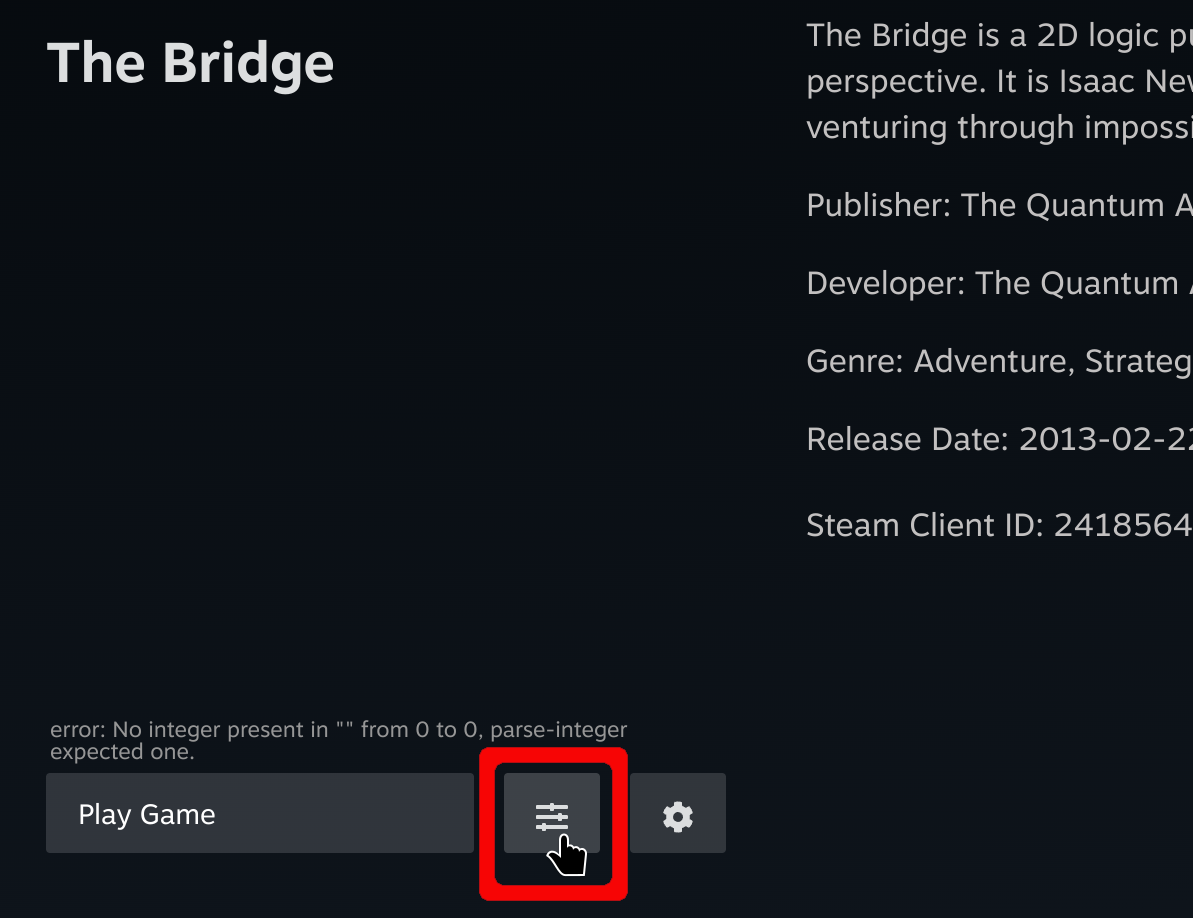
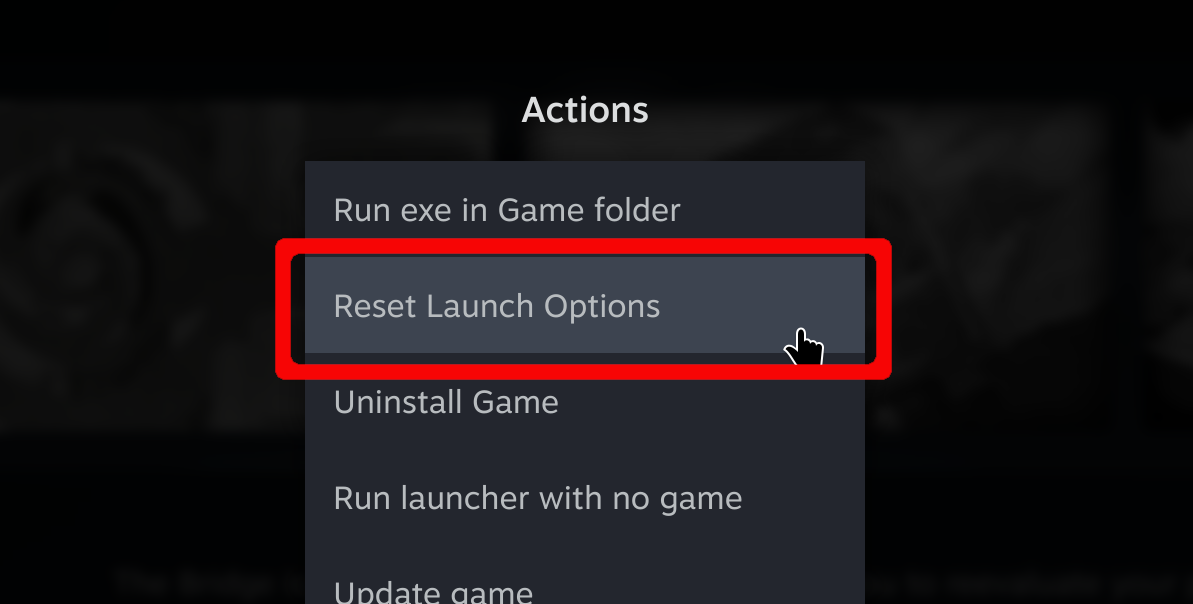
Your saves and settings will carry over automatically.
Stuck or need help?
Most issues are quick to sort out. Here's where to start.
- Installation not completing - If the installer seems stuck
- Executable won't run - If Junk Store won't start
- FAQ - General usage questions
- Troubleshooting - All Pro version issues
Still stuck? Open a support ticket right in the Support Portal
For game-specific issues, feedback, or just a chat, you'll find us on:
On Discord, head to the v2-support channel.