Steam Deck Compatibility
Setup Notes
You need to set the platform to DOSBox from the cog menu on the game screen: Game Configs > ADVANCED > platform > Dosbox. Save the config change and launch the game.
3rd-Party References
These reflect each service's own testing, separate from the Steam Deck Compatibility result above. Compatibility shifts as games and Proton update. If anything here looks out of date for a game you've actually run, please let us know.
Valve's Steam Deck test notes (1)
- Steam os does not support
Technical Details
GOG Features
About This Game
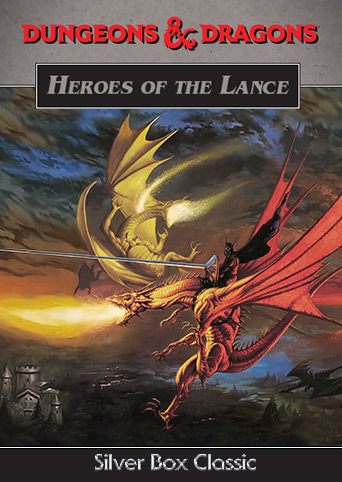
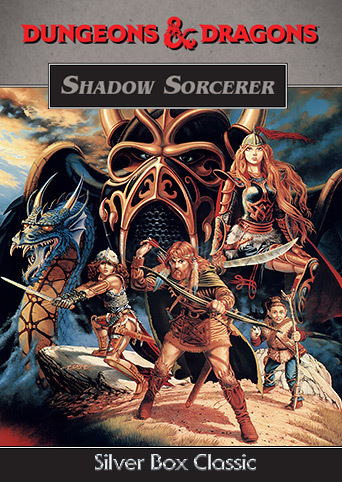
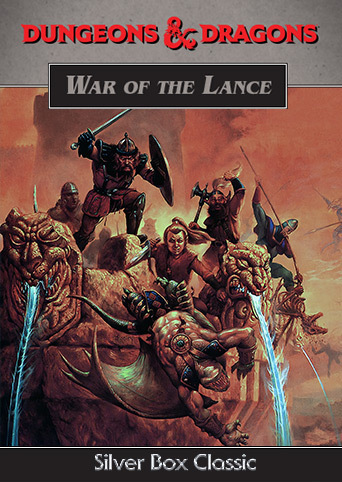
A strategy game covering the whole War of the Lance, fought across a map of Ansalon with armies rather than a party of heroes. It is the odd one out of its collection, a wargame sitting beside three adventure games. It is sold inside Silver Box Classics, together with Heroes of the Lance, Dragons of Flame and Shadow Sorcerer.
External Resources
More in Silver Box Classics
3 games in this series tested with Junk Store on Steam Deck